Home / Figma
Figma website sections you paste as layers
Website sections you paste into Figma as normal, editable layers: frames, text and shapes. Use them to mock up a client site in minutes, then hand off or build the same section in Webflow, Framer or code from the same library.
How it works in Figma
- Open a section in the Ariva library and choose Copy for Figma.
- Click on the Figma canvas and paste with ⌘ + V or Ctrl + V.
- Edit the text and colours, or swap the placeholder images for your own.
A few sections to start with

Centered with media
Hero · H1
Classic bar
Navigation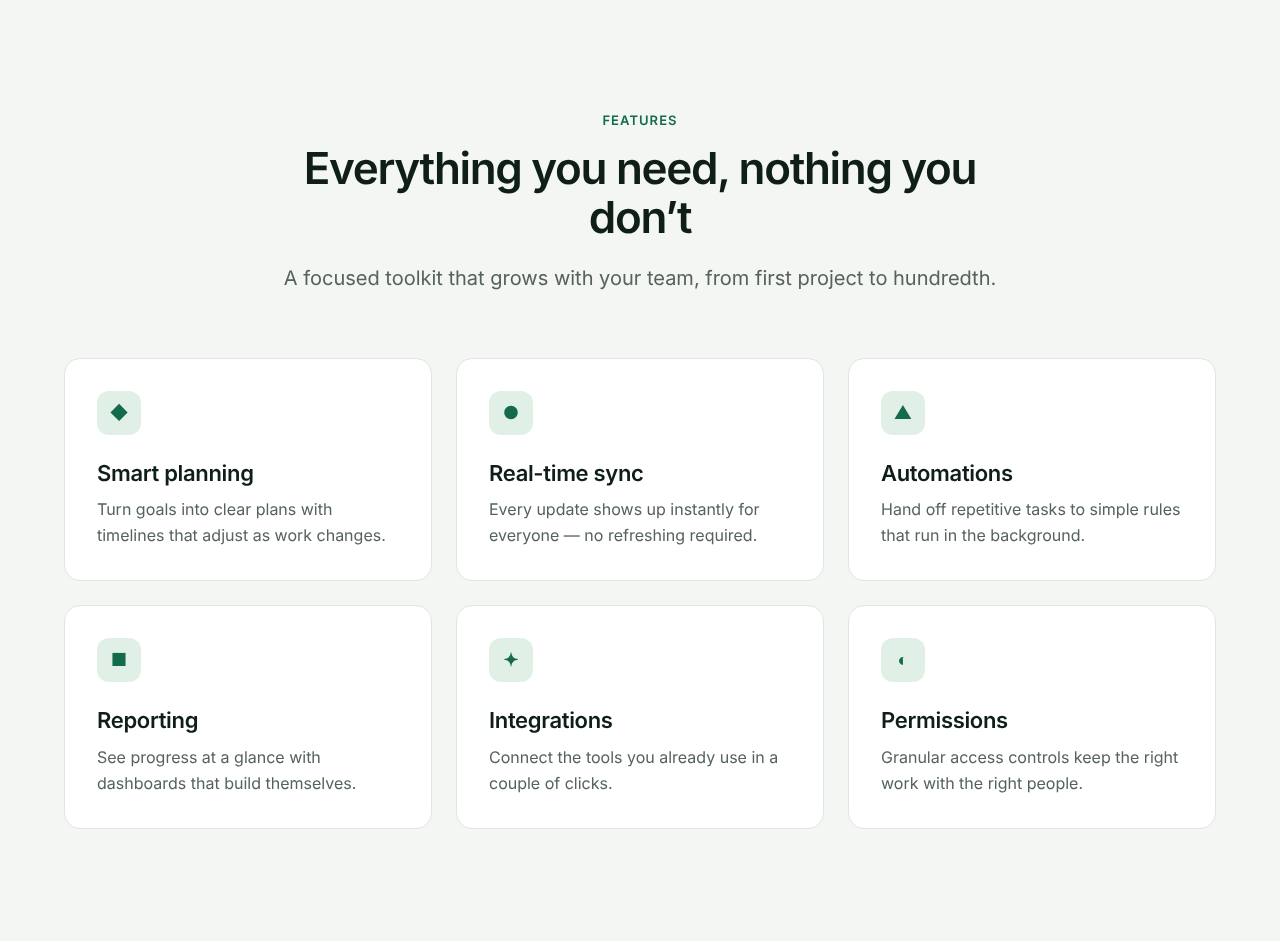
Icon card grid
Features · H2, H3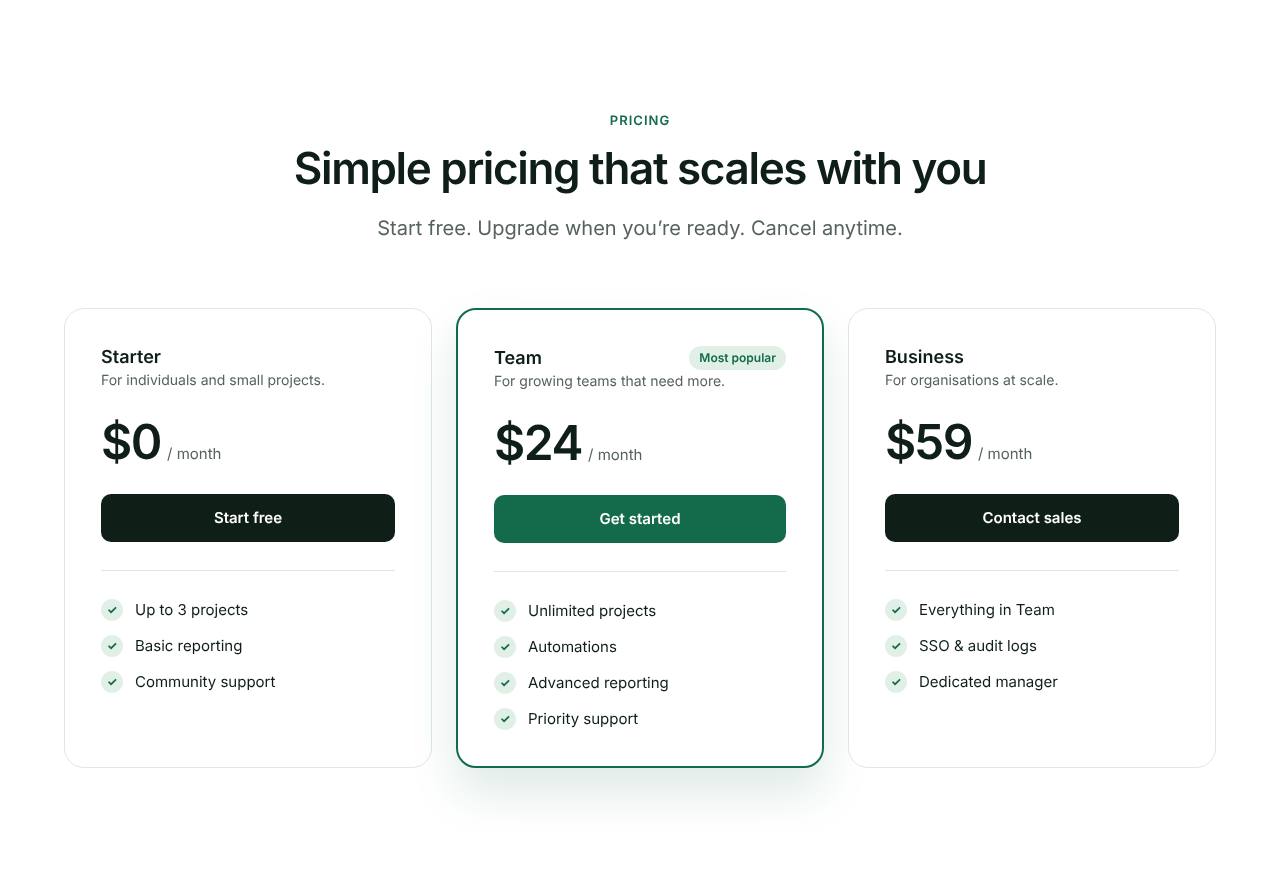
Three tiers
Pricing · H2, H3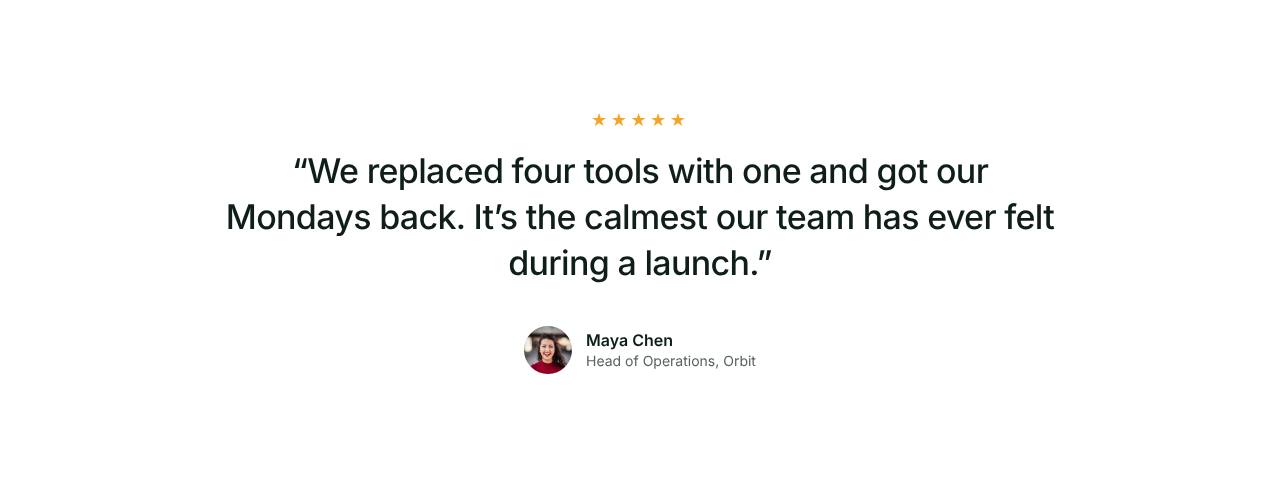
Single statement
Testimonials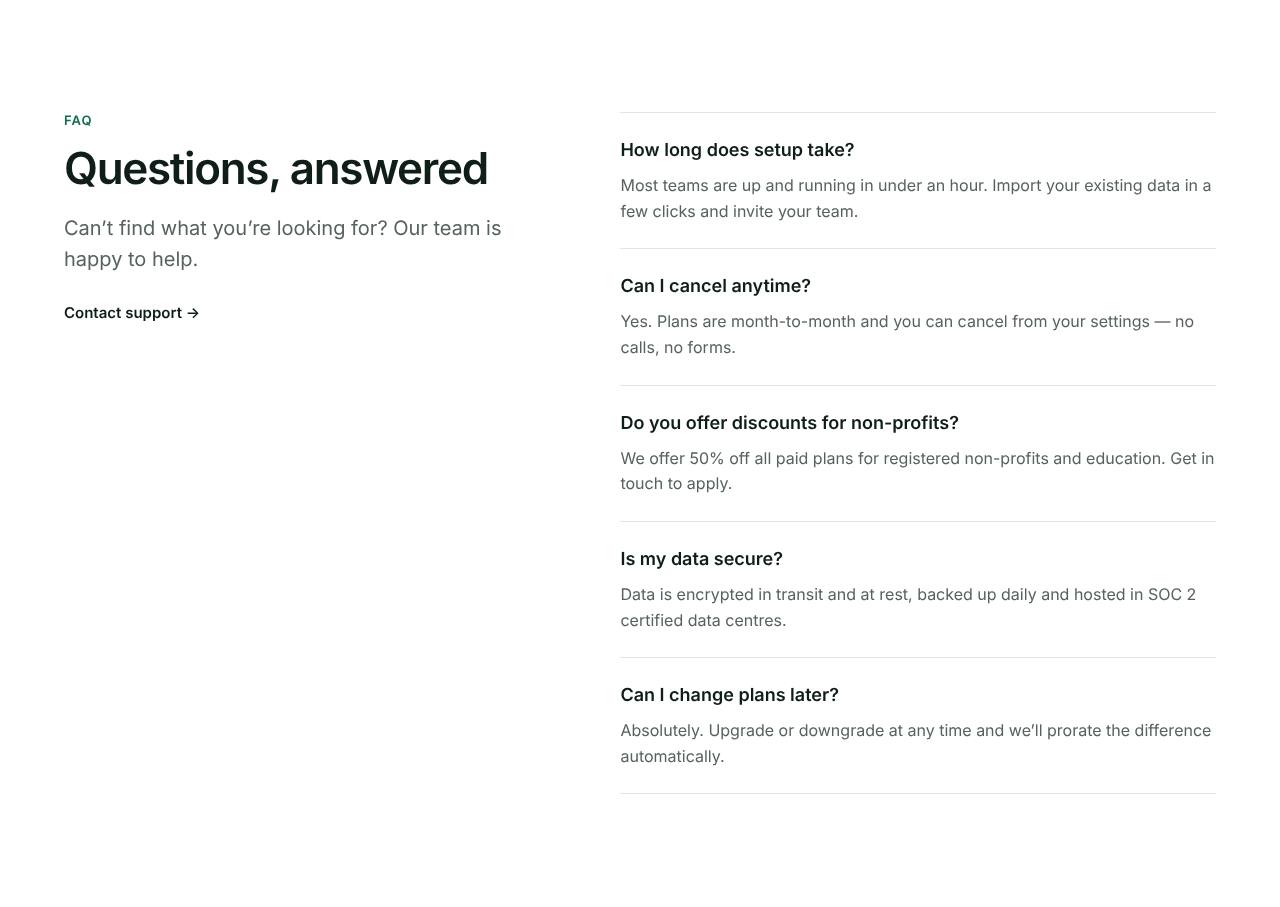
Side heading list
FAQ · H2, H3
Dark centered box
CTA · H2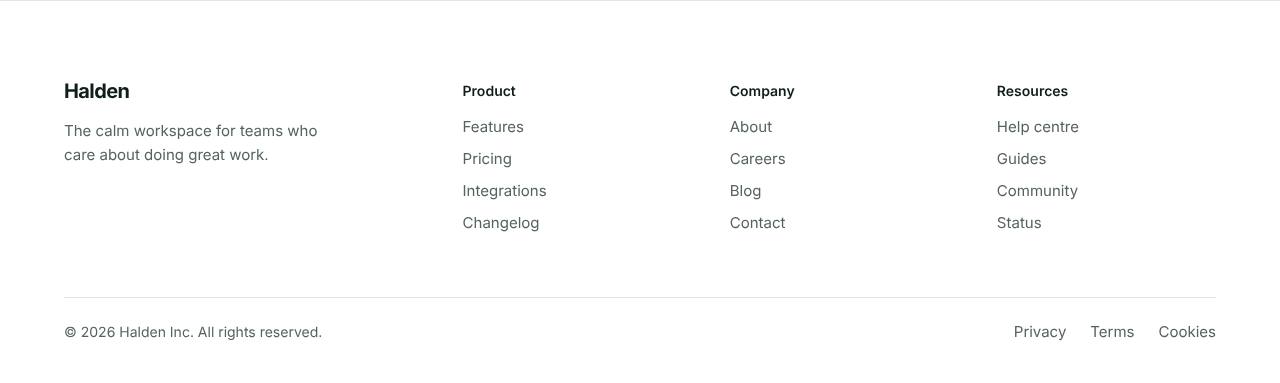
Multi-column
Footer
Simple row
Logos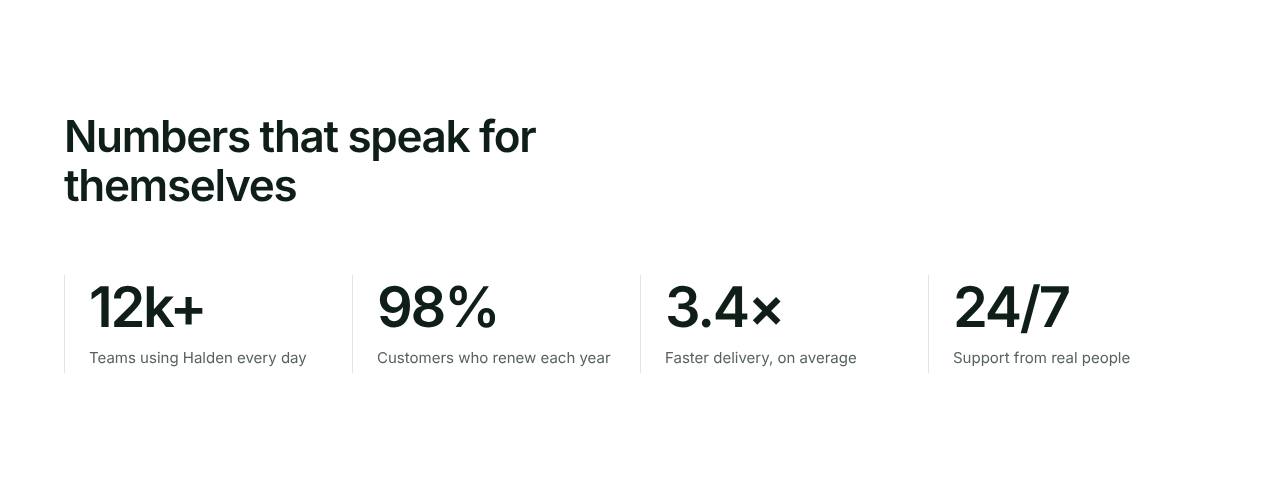
Divided numbers
Stats · H2
Portrait grid
Team · H2
Contact cards
Contact · H2, H3Every section type
Hero Section Templates10Navbar Templates6Feature Section Templates10Pricing Section Templates8Testimonial Section Templates7FAQ Section Templates5CTA Section Templates8Footer Templates6Logo Cloud Sections4Stats Section Templates4Team Section Templates4Contact Section Templates4Blog Section Templates5Blog Post Layouts4Case Study Page Sections5Gallery Section Templates3Timeline Section Templates3Announcement Banner Templates3Integrations Section Templates2
Questions
Are the Figma layers editable?
Yes. Text stays live text and shapes stay shapes, so you can restyle everything.
Is there a free Figma file?
Yes. Twenty free sections are also published as a Figma Community file you can duplicate.
Are these sections free?
Some are. A free Ariva account copies every free section; Pro unlocks the rest for $9 a month or $59 a year, and Lifetime is a one-time $79.
Can I use them on client sites?
Yes. You can use the sections in websites you build for yourself and for clients. See the terms for the full licence.
Also works with
Start with the free sections
Make a free account and copy any free section into Webflow, Framer, Figma or code.