Home / HTML and CSS
HTML and CSS website sections
Responsive website sections as plain HTML and CSS, with a small script for the reveal animation. No framework, no build step: paste them into any page, a React component or a static site generator.
How it works in HTML and CSS
- Open a section in the Ariva library and choose Copy for code.
- Paste the HTML where the section should go and the CSS into your stylesheet.
- Keep the small script at the end if you want the scroll-in animation; remove it if you do not.
A few sections to start with

Centered with media
Hero · H1
Classic bar
Navigation
Icon card grid
Features · H2, H3
Three tiers
Pricing · H2, H3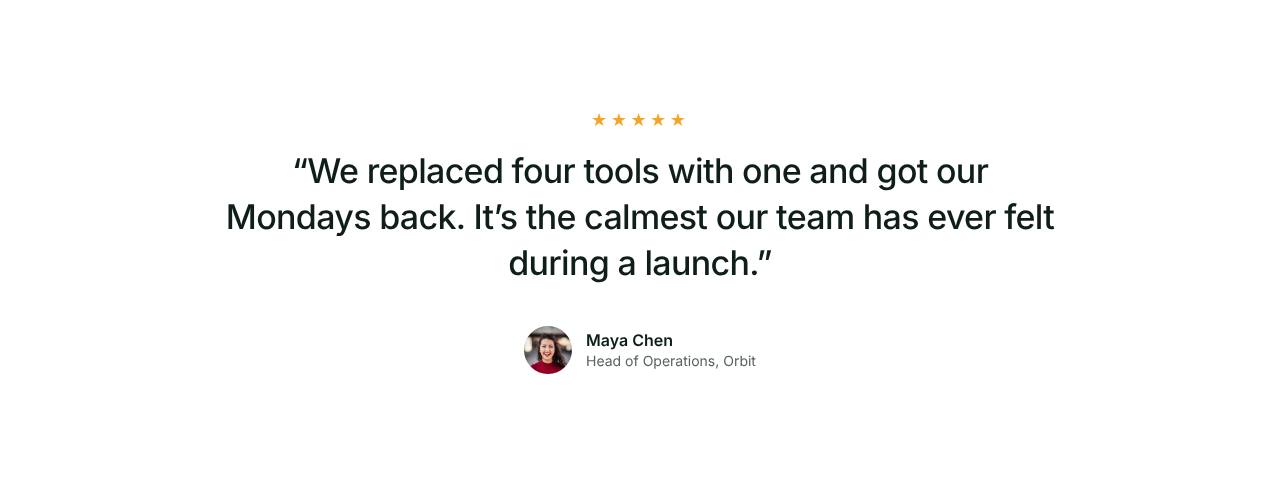
Single statement
Testimonials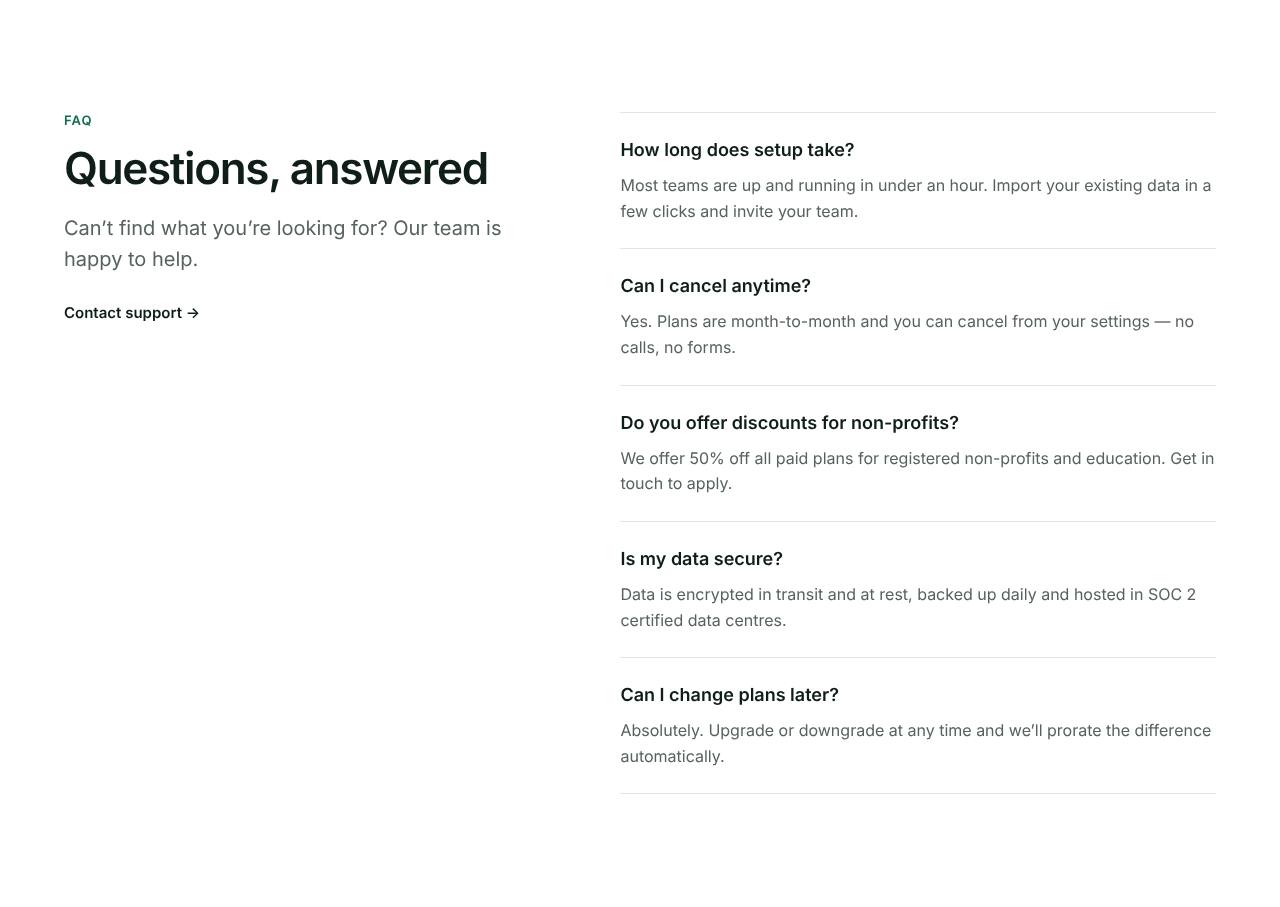
Side heading list
FAQ · H2, H3
Dark centered box
CTA · H2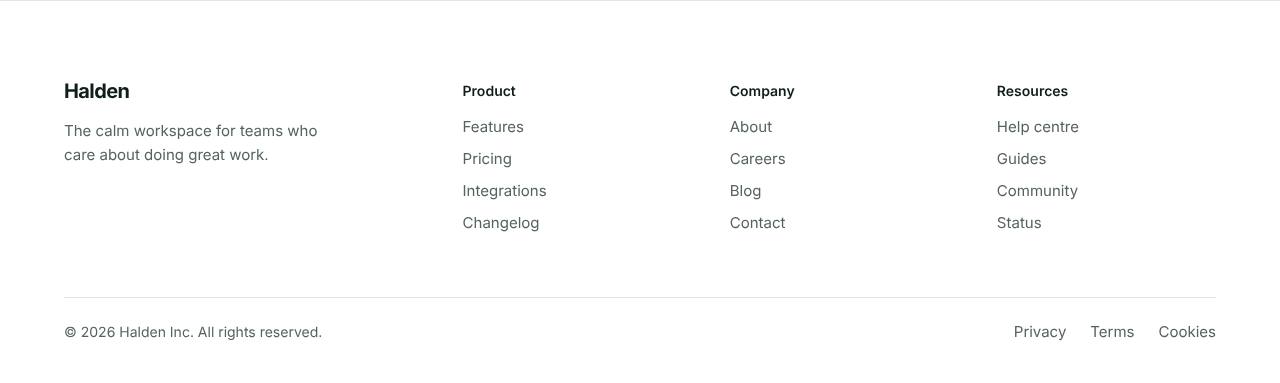
Multi-column
Footer
Simple row
Logos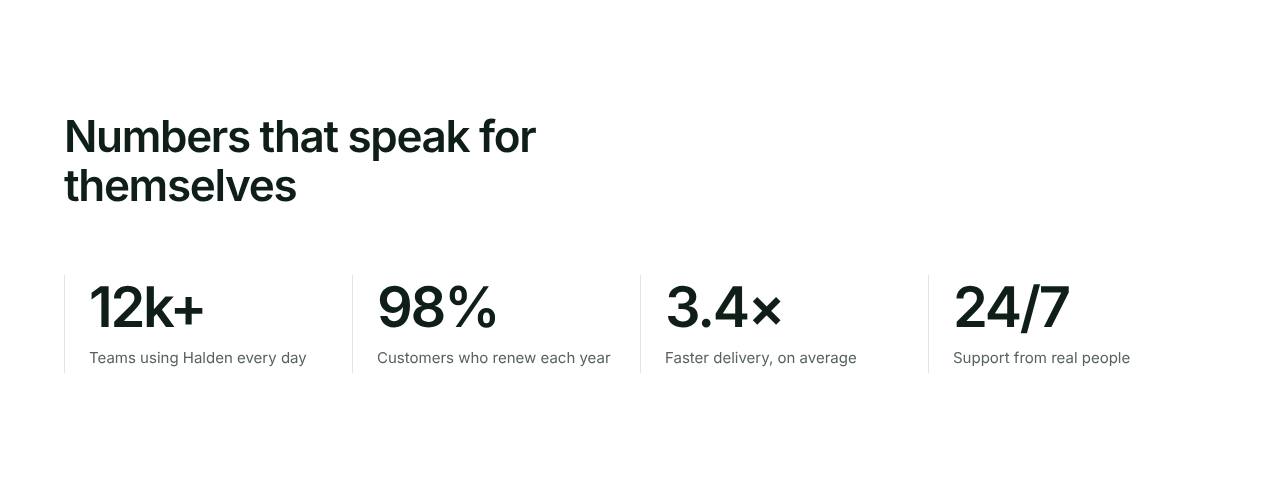
Divided numbers
Stats · H2
Portrait grid
Team · H2
Contact cards
Contact · H2, H3Every section type
Questions
Does it use Tailwind?
No. The code is plain CSS with readable class names, so it works in any project, with or without Tailwind.
Can AI coding tools use the sections?
Yes. The Ariva MCP server lets Claude, Cursor, VS Code and other assistants pull sections into your project when you ask for them in plain words.
Are these sections free?
Some are. A free Ariva account copies every free section; Pro unlocks the rest for $9 a month or $59 a year, and Lifetime is a one-time $79.
Can I use them on client sites?
Yes. You can use the sections in websites you build for yourself and for clients. See the terms for the full licence.
Also works with
Start with the free sections
Make a free account and copy any free section into Webflow, Framer, Figma or code.