Home / Sections / Feature Section Templates
Feature Section Templates for Webflow, Framer and Figma
Feature sections explain what a product does after the hero has made its promise. This set includes an icon card grid, alternating image rows, bento cards, a numbered process, before-and-after, a tabbed showcase, a security and compliance block and use cases by role.
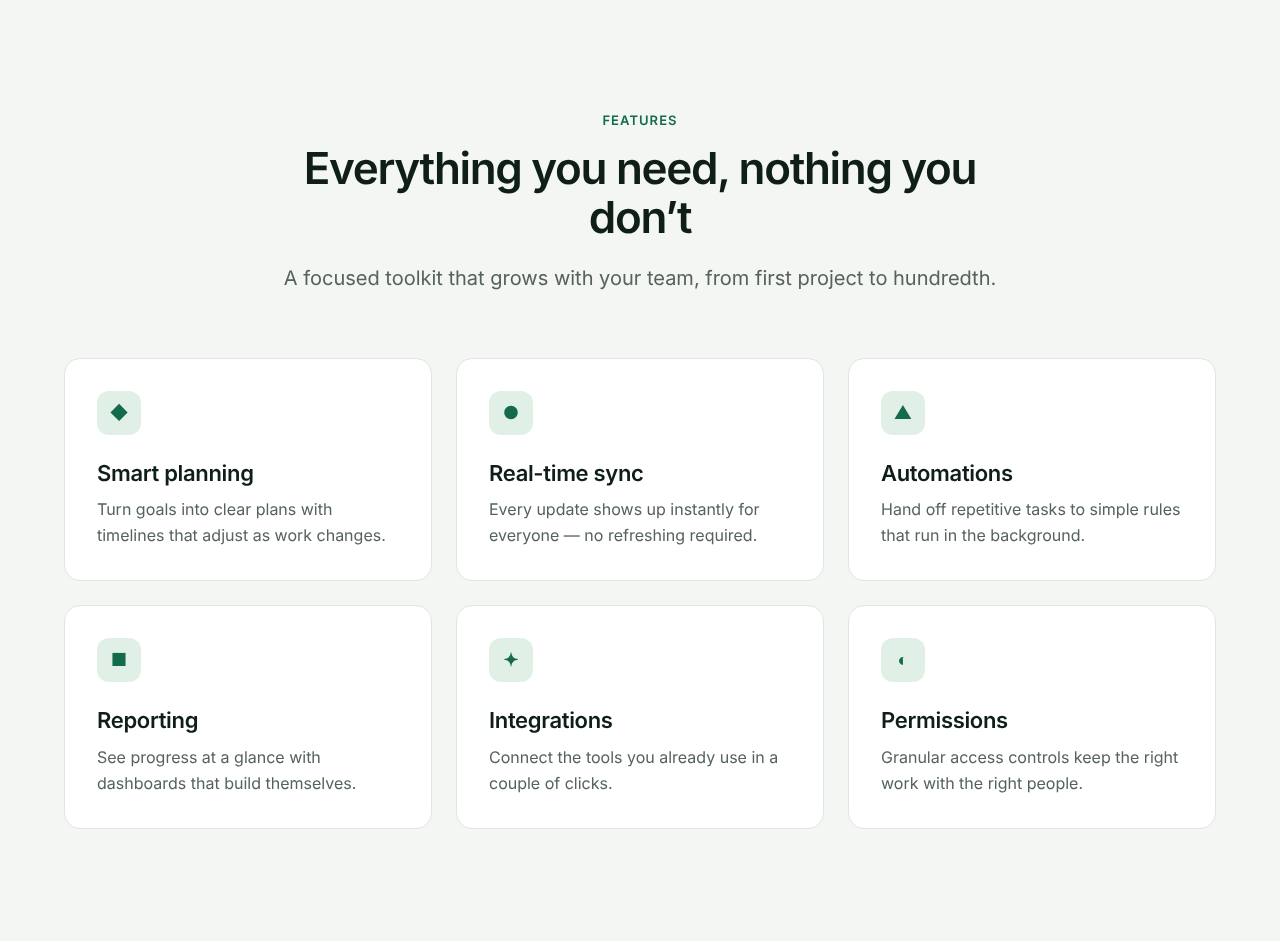
Icon card grid
Features · H2, H3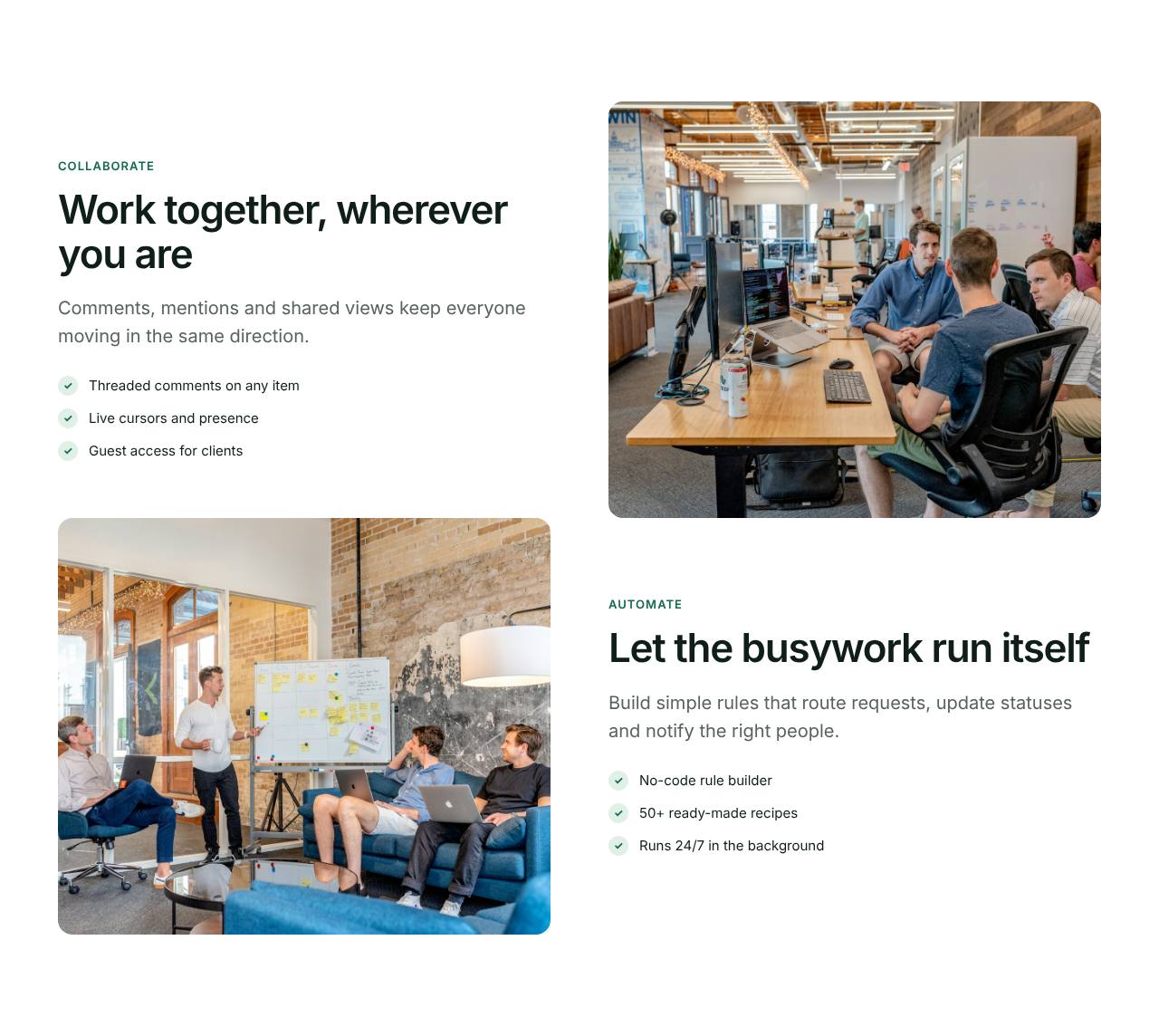
Alternating rows
Features · H2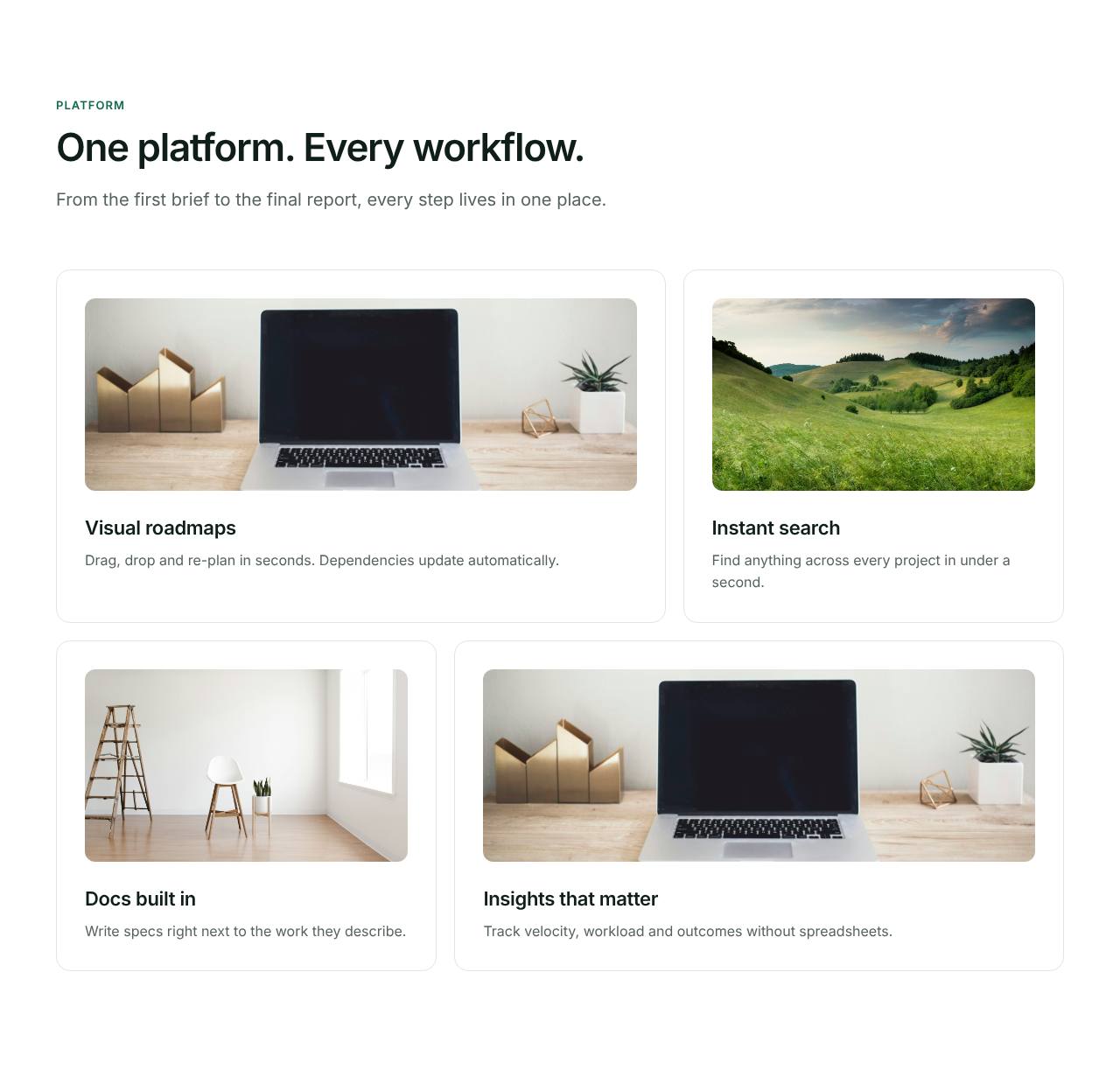
Bento cards
Features · H2, H3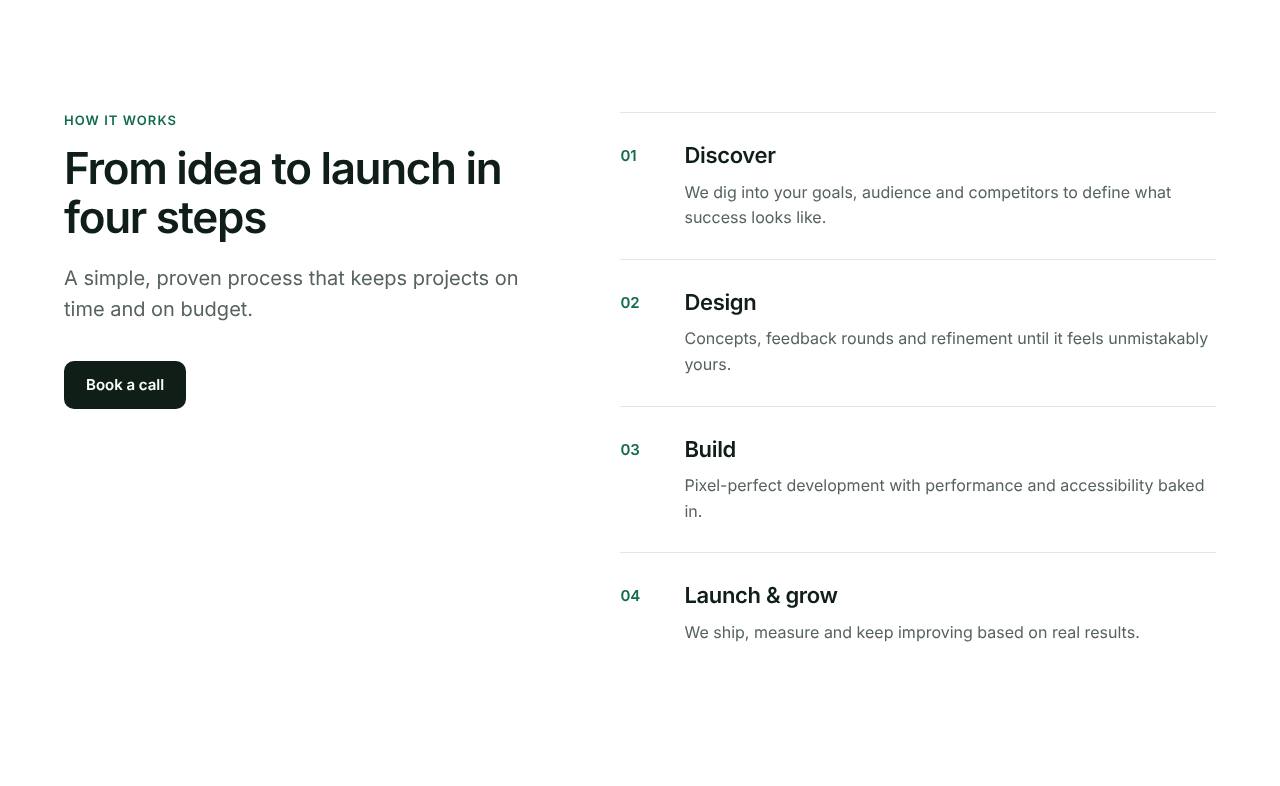
Numbered process
Features · H2, H3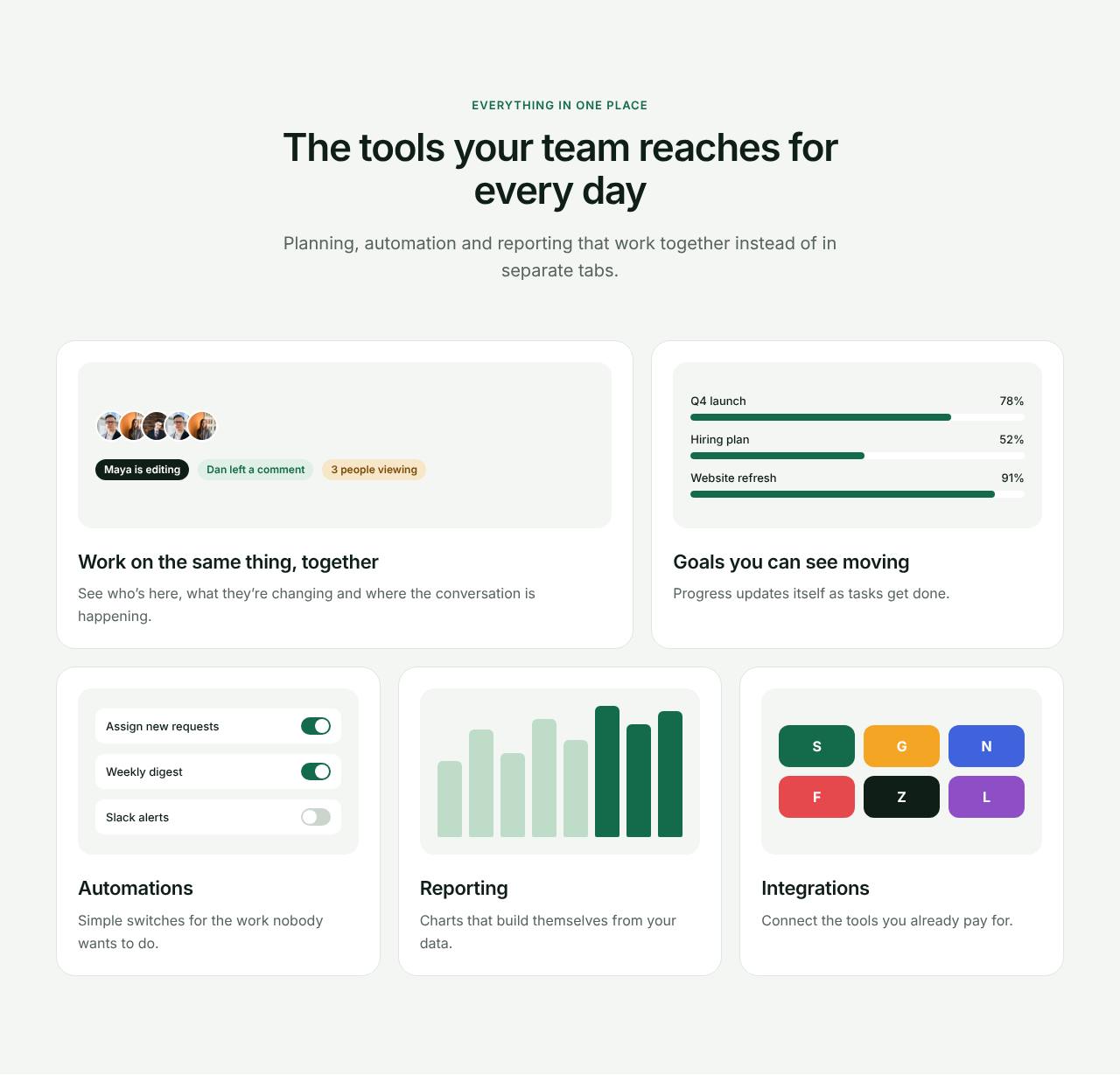
Bento with product UI
Features · H2, H3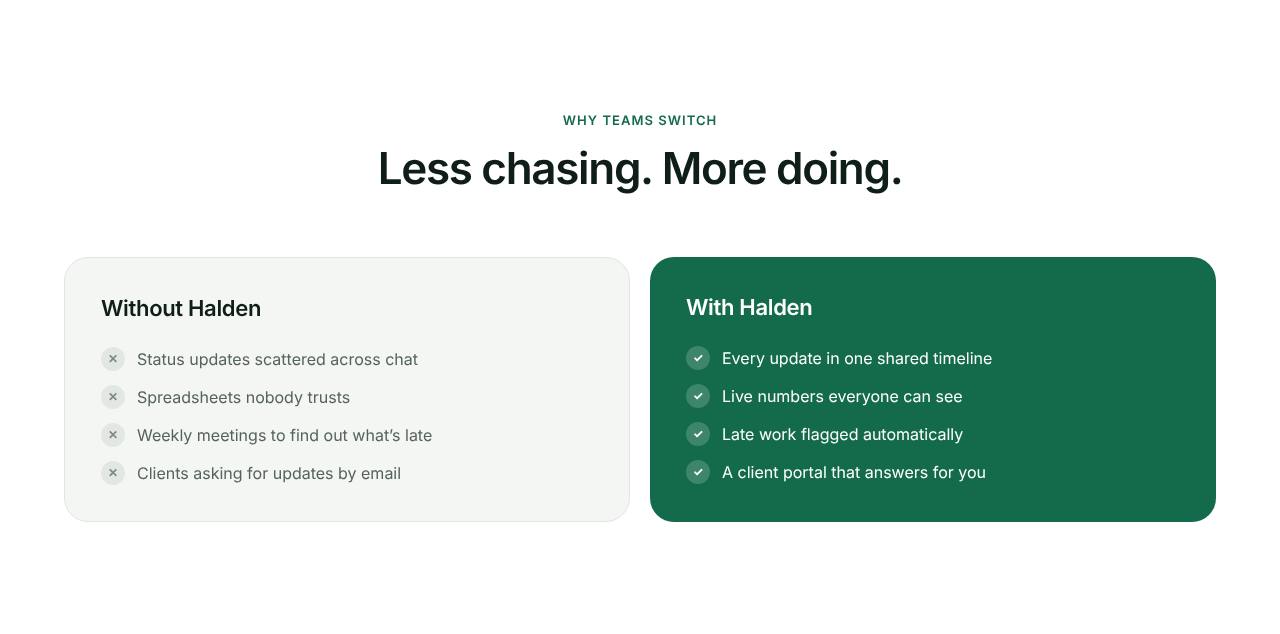
Before and after
Features · H2, H3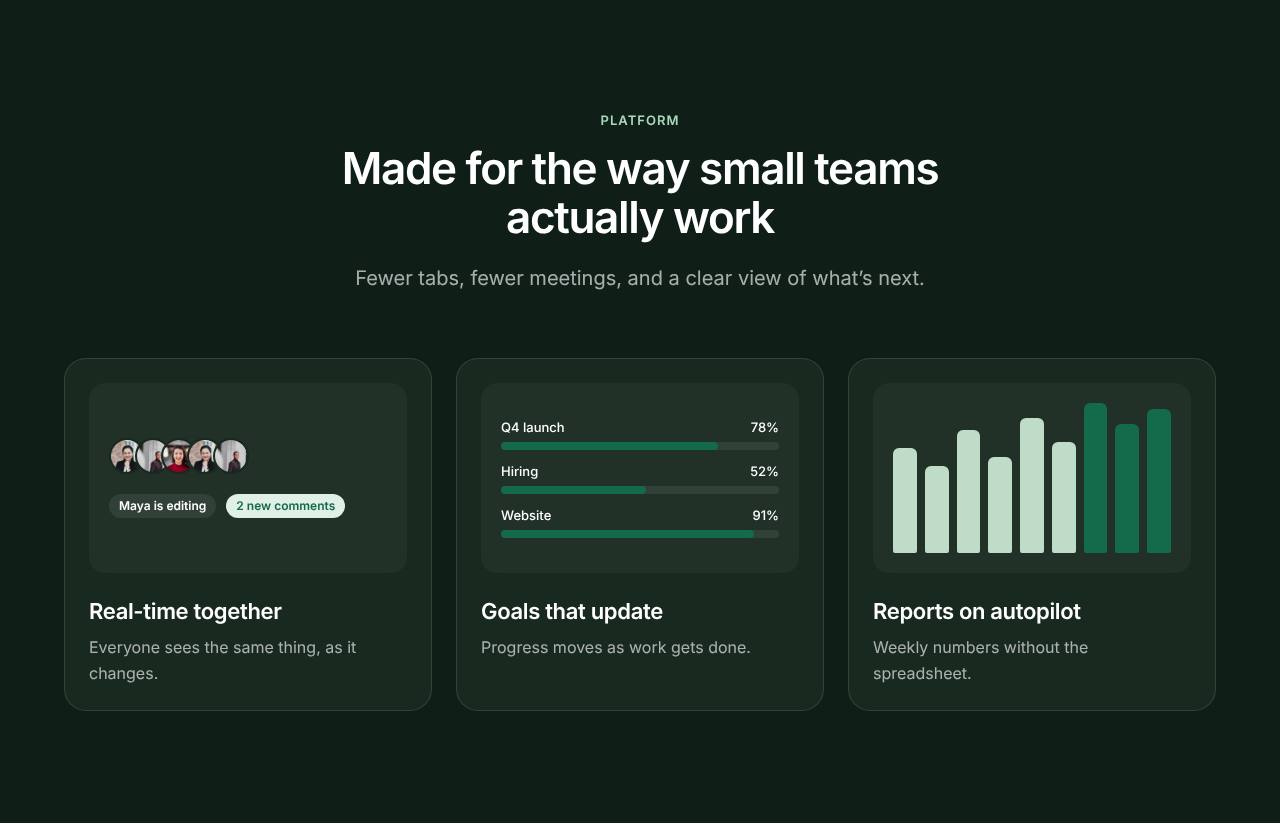
Dark bento
Features · dark · H2, H3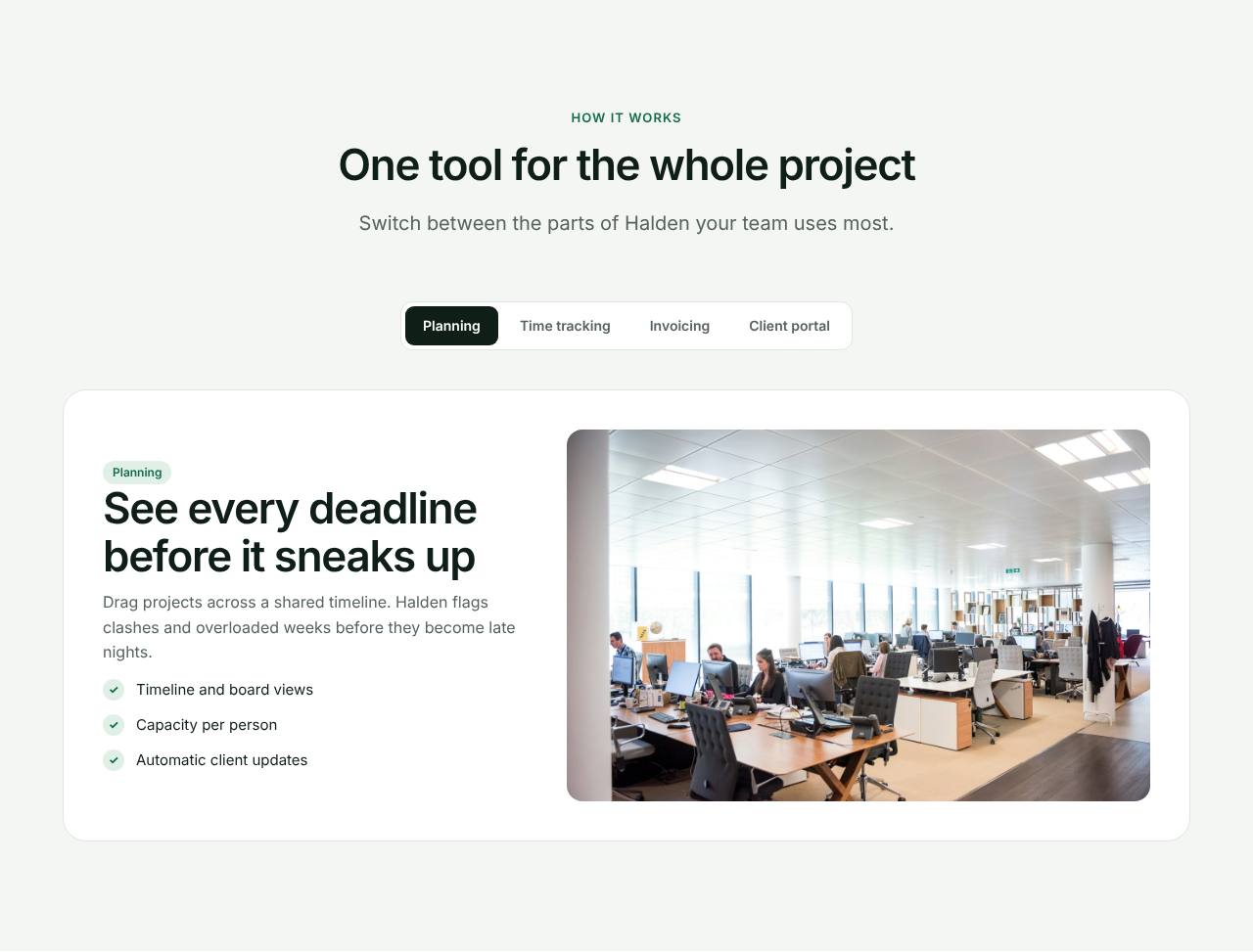
Tabbed showcase
Features · H2, H3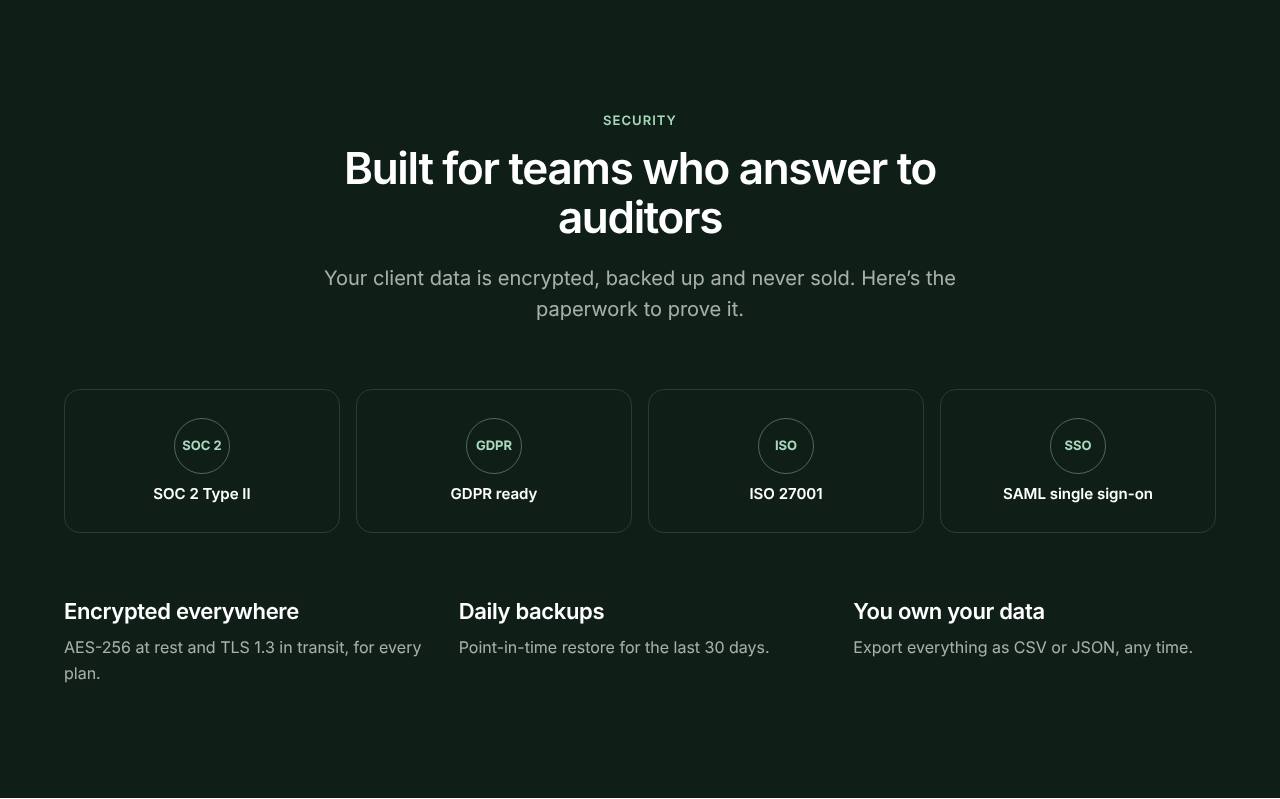
Dark security and compliance
Features · dark · H2, H3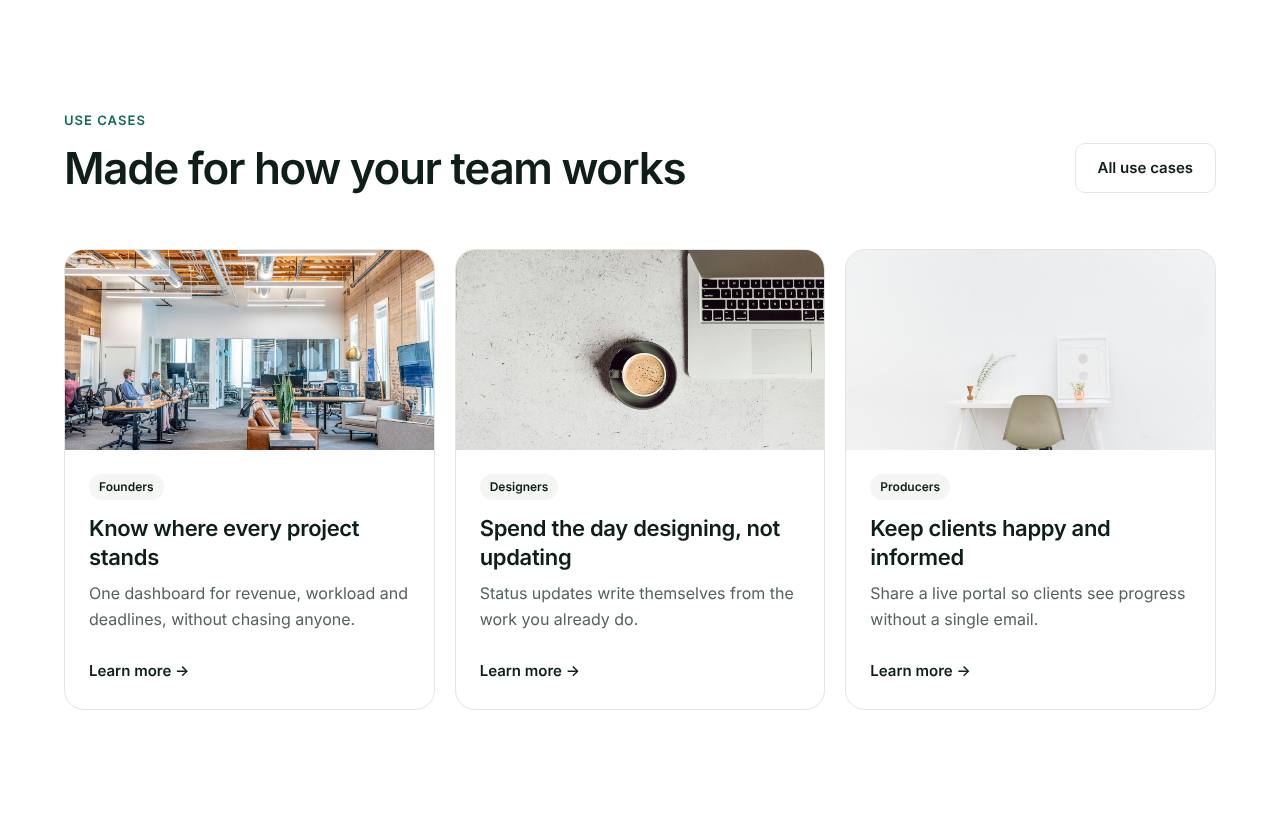
Use cases by role
Features · H2, H3What makes a good features section
- Lead each feature with the outcome for the customer, then the mechanism.
- Three, four or six items fit a grid cleanly; avoid five.
- Use one visual language: either icons, or screenshots, not both in the same block.
- Put the strongest feature first and the most technical one last.
How to use these features sections
Webflow
- Open the features section in the library and choose Copy for Webflow.
- Paste it into the Webflow Designer with ⌘/Ctrl + V. It lands as native elements and classes.
Framer
- Choose Copy for Framer.
- In Framer, open Assets → Code, create a new component and paste.
Figma
- Choose Copy for Figma.
- Paste on the canvas. Text and shapes stay editable.
HTML and CSS
- Choose Copy for code.
- Paste the HTML, CSS and the small animation script into any project.
Questions
Should I use a bento grid or alternating rows?
Bento grids suit products with several smaller features that each need a visual. Alternating rows suit two to four big features that each deserve a full-width image and a paragraph.
Are these sections free?
Some are. A free Ariva account copies every free section; Pro unlocks the rest for $9 a month or $59 a year, and Lifetime is a one-time $79.
Which tools do they work with?
Every section copies into Webflow (native elements), Framer (code component), Figma (editable layers) or plain HTML and CSS.
Can I use them on client sites?
Yes. You can use the sections in websites you build for yourself and for clients. See the terms for the full licence.
More section types
Start with the free sections
Make a free account and copy any free section into Webflow, Framer, Figma or code.