Home / Sections / Testimonial Section Templates
Testimonial Section Templates for Webflow, Framer and Figma
Social proof sections: a single large statement, a three-card grid, a metric paired with a quote, a dark two-column layout, a social wall, video stories and a rating summary.
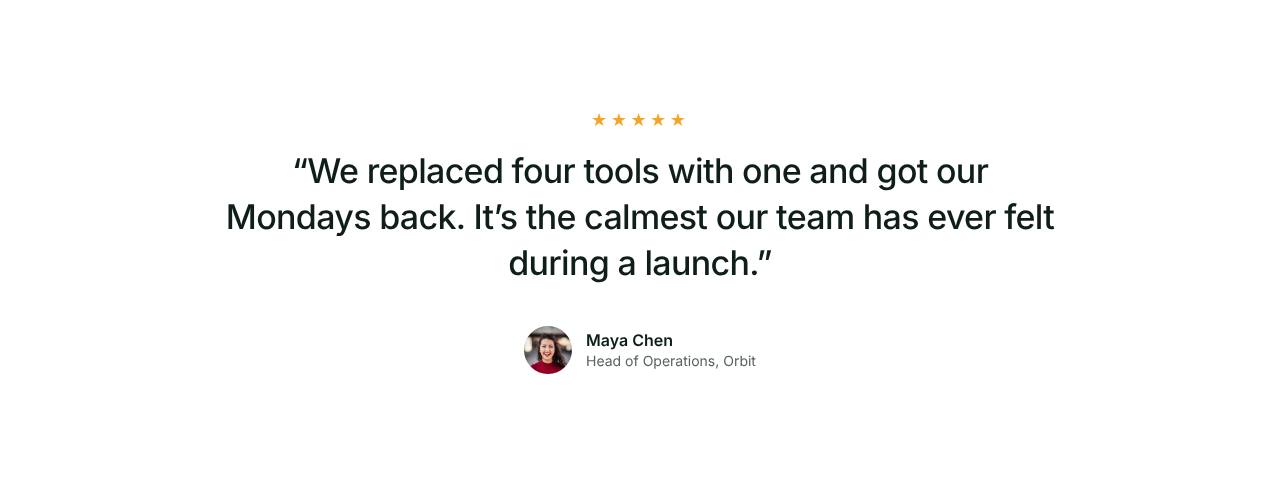
Single statement
Testimonials
Three-card grid
Testimonials · H2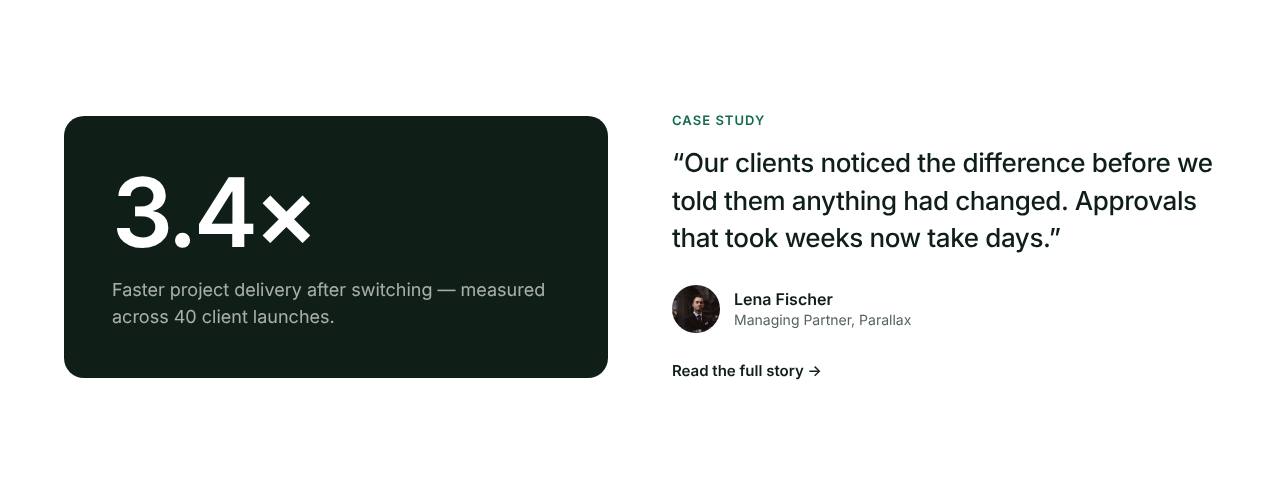
Metric and quote
Testimonials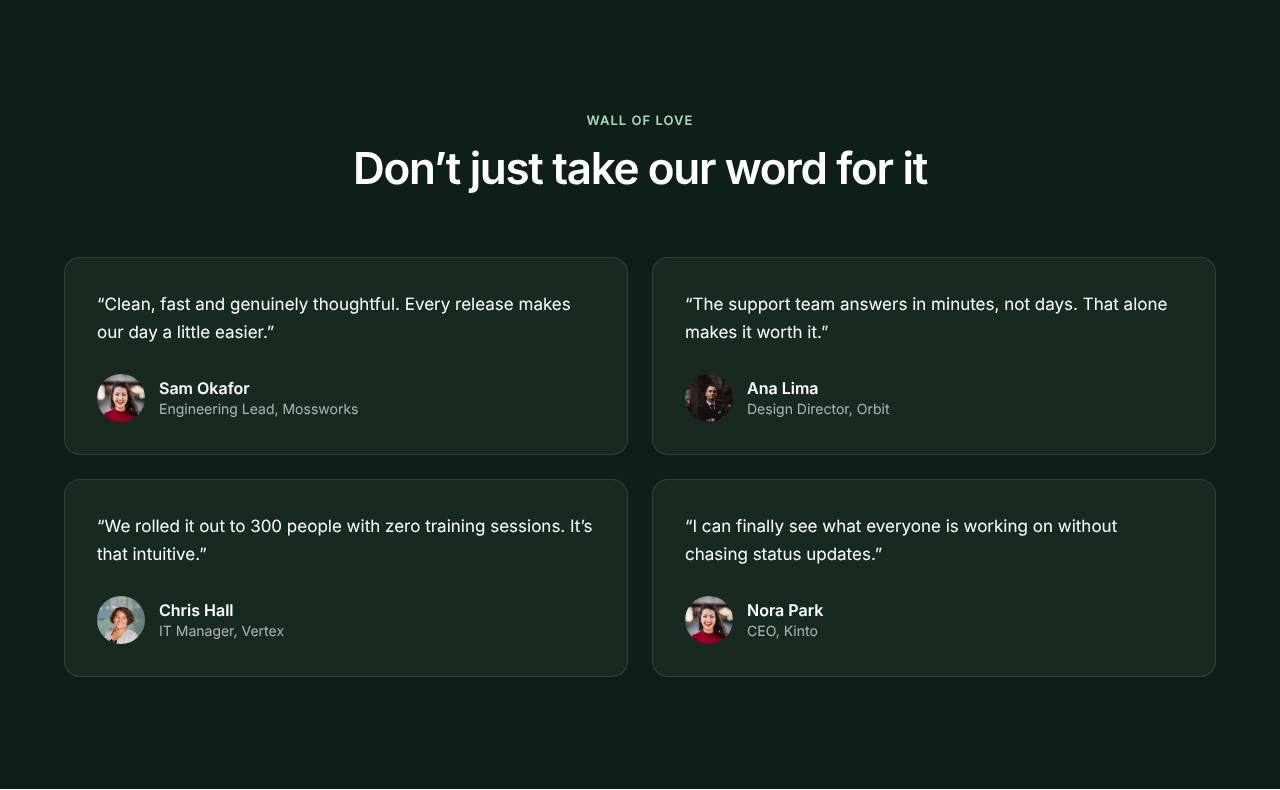
Dark two-column
Testimonials · dark · H2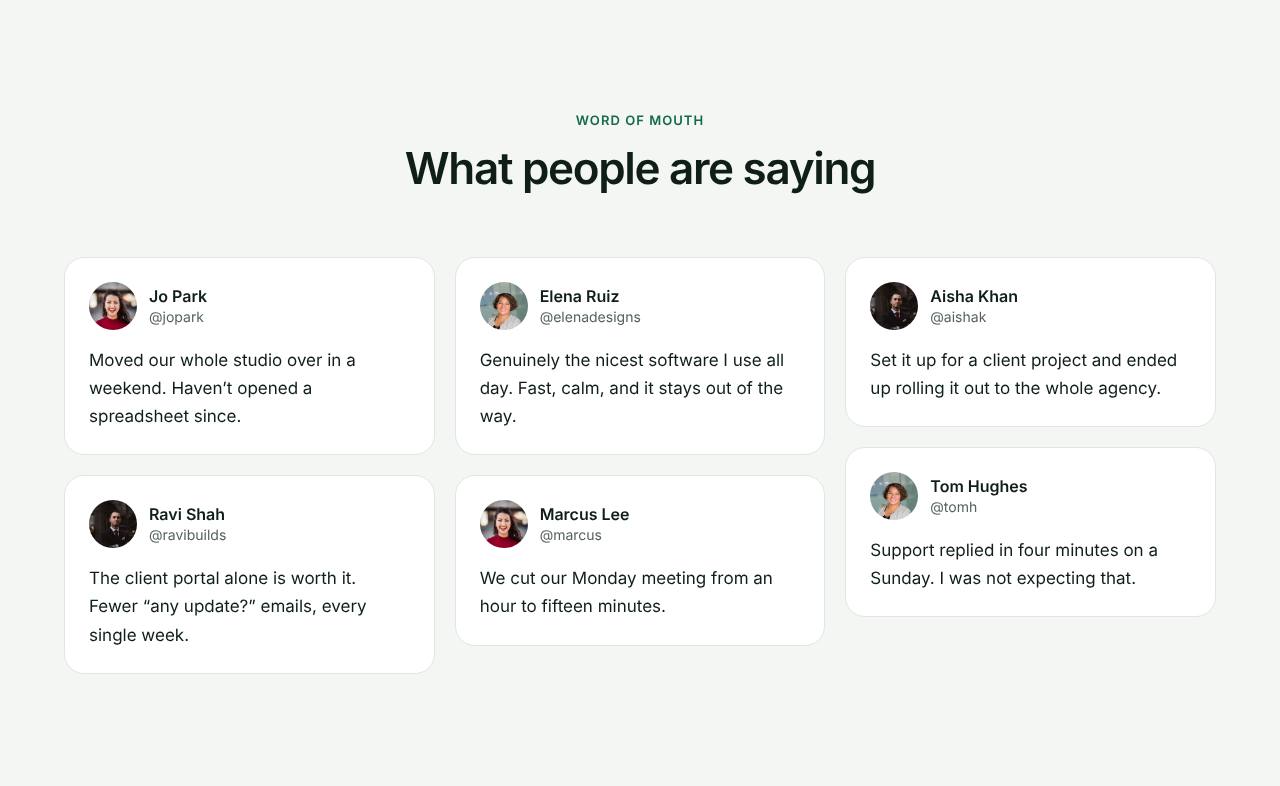
Social wall
Testimonials · H2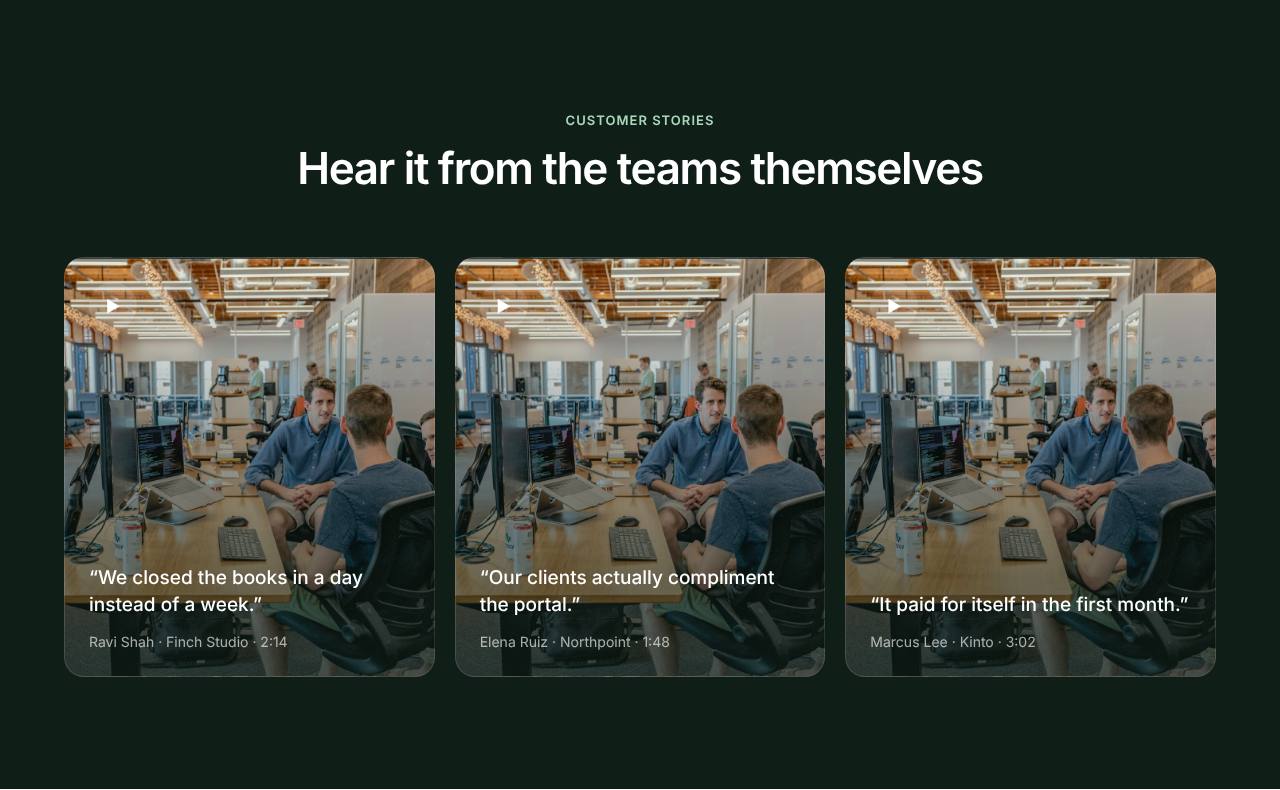
Dark video stories
Testimonials · dark · H2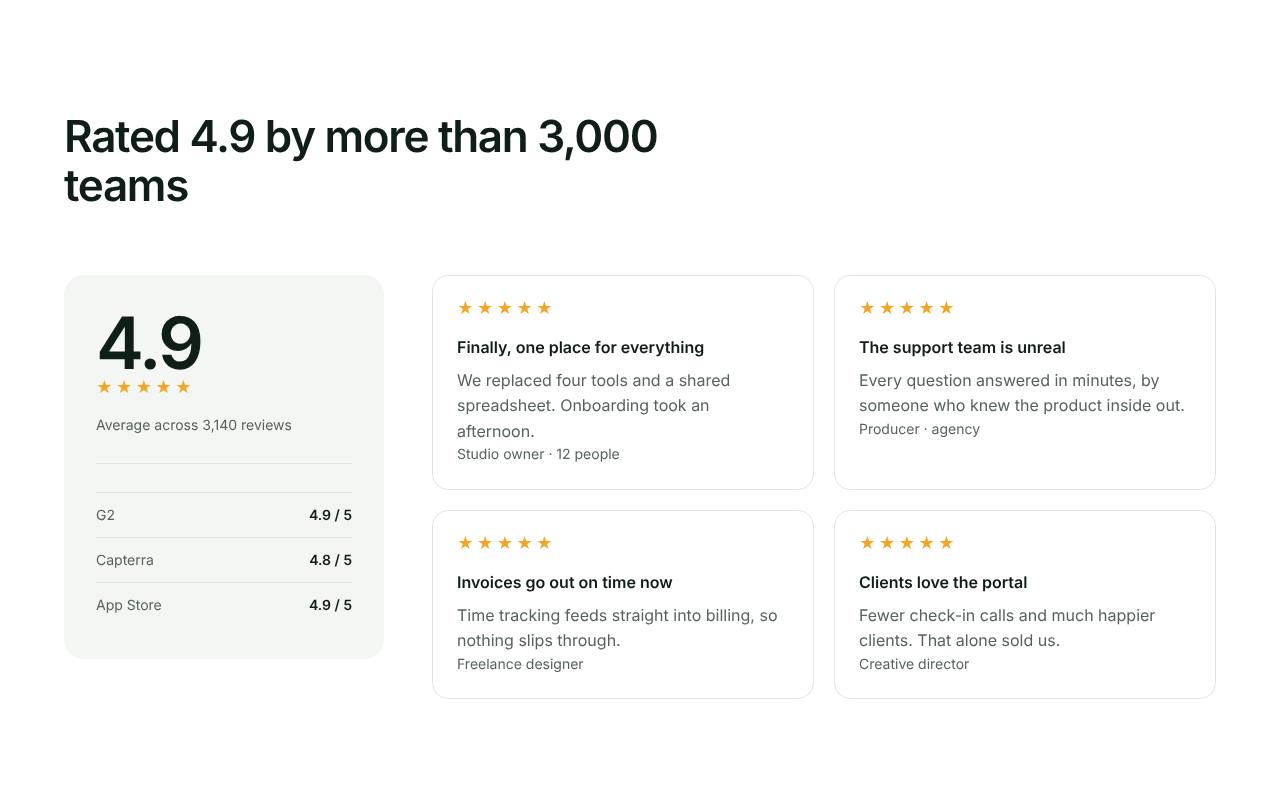
Rating summary
Testimonials · H2What makes a good testimonial section
- Use real names, roles and photos; anonymous quotes read as invented.
- Pick quotes that mention a specific result or a doubt that was overcome.
- One strong quote beats nine generic ones.
How to use these testimonial sections
Webflow
- Open the testimonial section in the library and choose Copy for Webflow.
- Paste it into the Webflow Designer with ⌘/Ctrl + V. It lands as native elements and classes.
Framer
- Choose Copy for Framer.
- In Framer, open Assets → Code, create a new component and paste.
Figma
- Choose Copy for Figma.
- Paste on the canvas. Text and shapes stay editable.
HTML and CSS
- Choose Copy for code.
- Paste the HTML, CSS and the small animation script into any project.
Questions
Do the testimonials come with real customer quotes?
No. They ship with placeholder names and quotes so you can see the layout. Replace them with your own customers’ words before publishing.
Are these sections free?
Some are. A free Ariva account copies every free section; Pro unlocks the rest for $9 a month or $59 a year, and Lifetime is a one-time $79.
Which tools do they work with?
Every section copies into Webflow (native elements), Framer (code component), Figma (editable layers) or plain HTML and CSS.
Can I use them on client sites?
Yes. You can use the sections in websites you build for yourself and for clients. See the terms for the full licence.
More section types
Start with the free sections
Make a free account and copy any free section into Webflow, Framer, Figma or code.