Home / Sections / Stats Section Templates
Stats Section Templates for Webflow, Framer and Figma
Number sections for results and traction: divided numbers, a dark chart card, an accent band and progress toward goals.
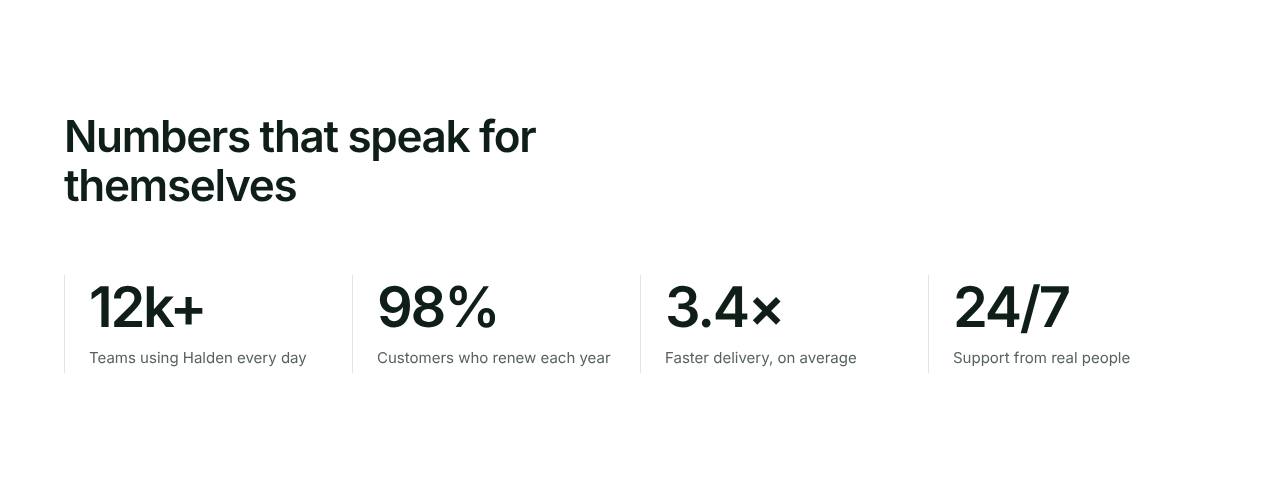
Divided numbers
Stats · H2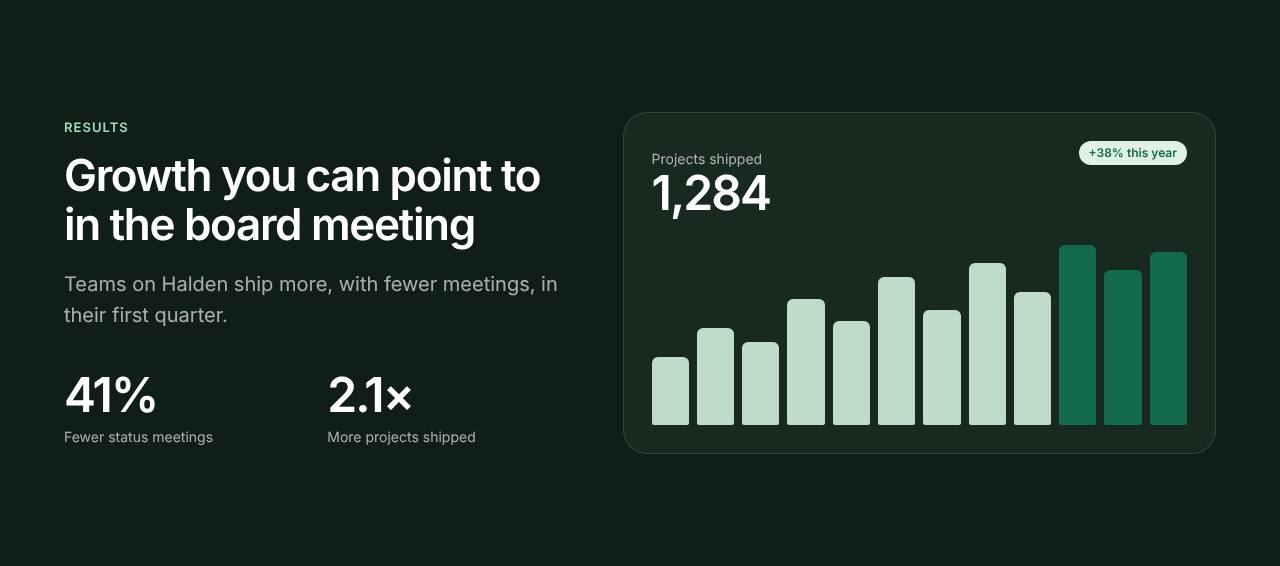
Dark chart card
Stats · dark · H2
Accent band
Stats · H2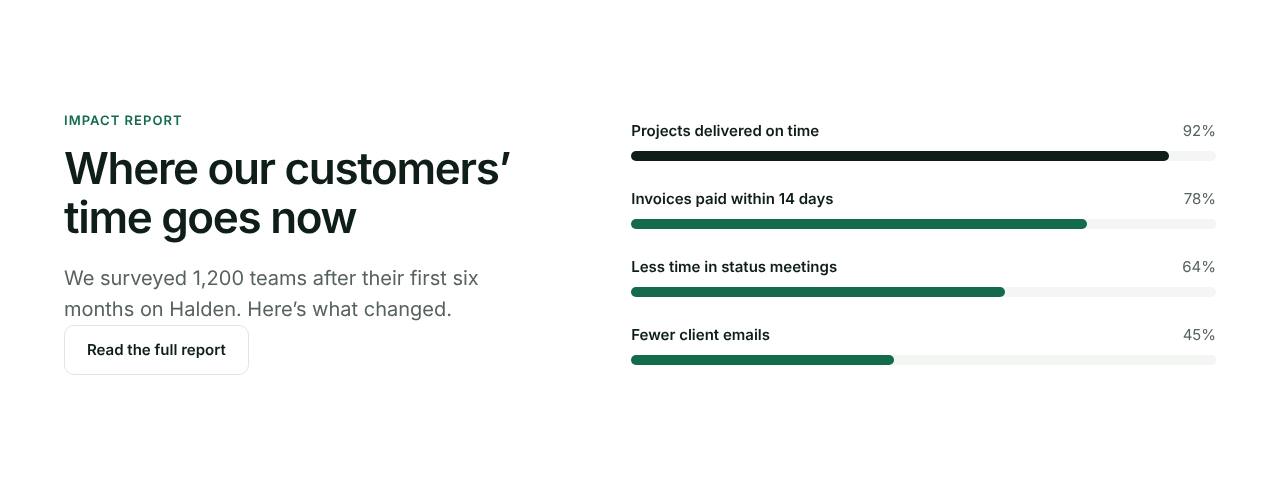
Progress goals
Stats · H2What makes a good stats section
- Three or four numbers is enough; each needs a short label that explains it.
- Prefer specific numbers (38%) over rounded claims (40%+).
- Only show numbers you can back up.
How to use these stats sections
Webflow
- Open the stats section in the library and choose Copy for Webflow.
- Paste it into the Webflow Designer with ⌘/Ctrl + V. It lands as native elements and classes.
Framer
- Choose Copy for Framer.
- In Framer, open Assets → Code, create a new component and paste.
Figma
- Choose Copy for Figma.
- Paste on the canvas. Text and shapes stay editable.
HTML and CSS
- Choose Copy for code.
- Paste the HTML, CSS and the small animation script into any project.
Questions
Do the numbers count up when they appear?
The code version includes a small reveal script. In Webflow and Framer you can add a count-up with an interaction if you want one.
Are these sections free?
Some are. A free Ariva account copies every free section; Pro unlocks the rest for $9 a month or $59 a year, and Lifetime is a one-time $79.
Which tools do they work with?
Every section copies into Webflow (native elements), Framer (code component), Figma (editable layers) or plain HTML and CSS.
Can I use them on client sites?
Yes. You can use the sections in websites you build for yourself and for clients. See the terms for the full licence.
More section types
Start with the free sections
Make a free account and copy any free section into Webflow, Framer, Figma or code.