Home / Sections / Hero Section Templates
Hero Section Templates for Webflow, Framer and Figma
The hero is the first thing a visitor sees, and it decides whether they keep scrolling. These hero sections cover the layouts client sites ask for most: centred headline with a product shot, split text and image, a dark display with stats, a waitlist capture, an app download hero and a showreel.

Centered with media
Hero · H1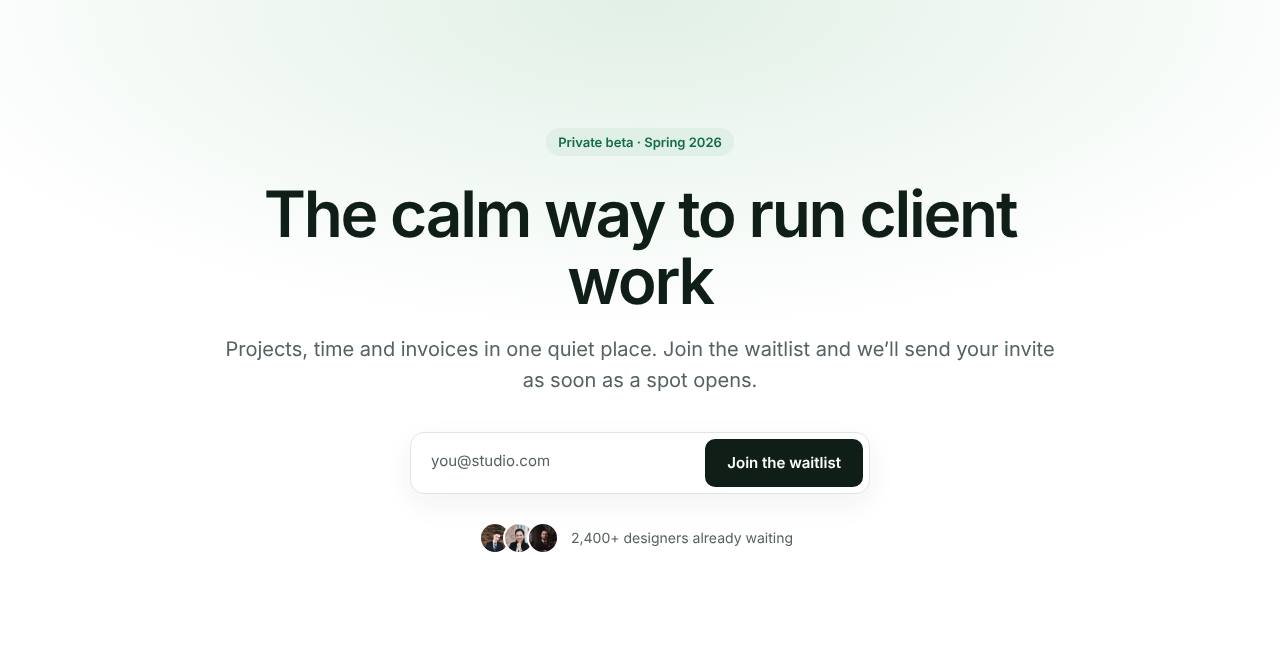
Waitlist capture
Hero · H1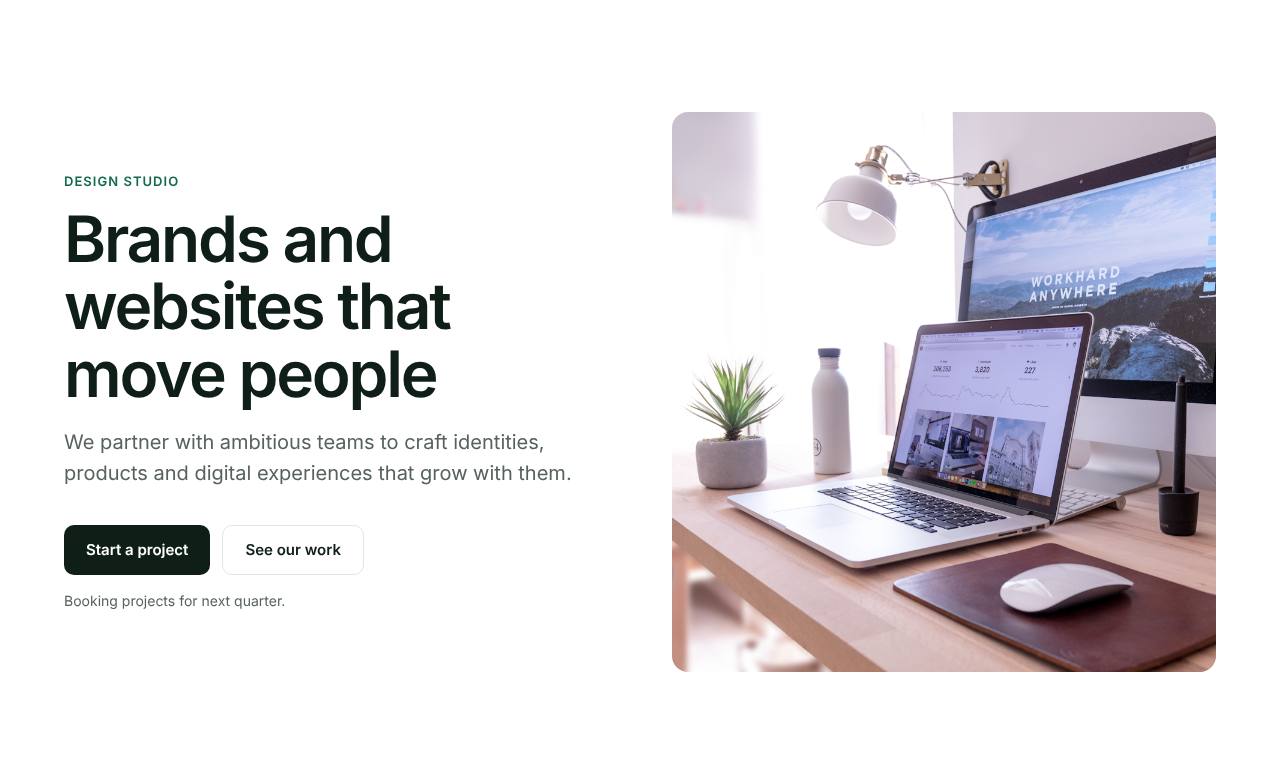
Split text and image
Hero · H1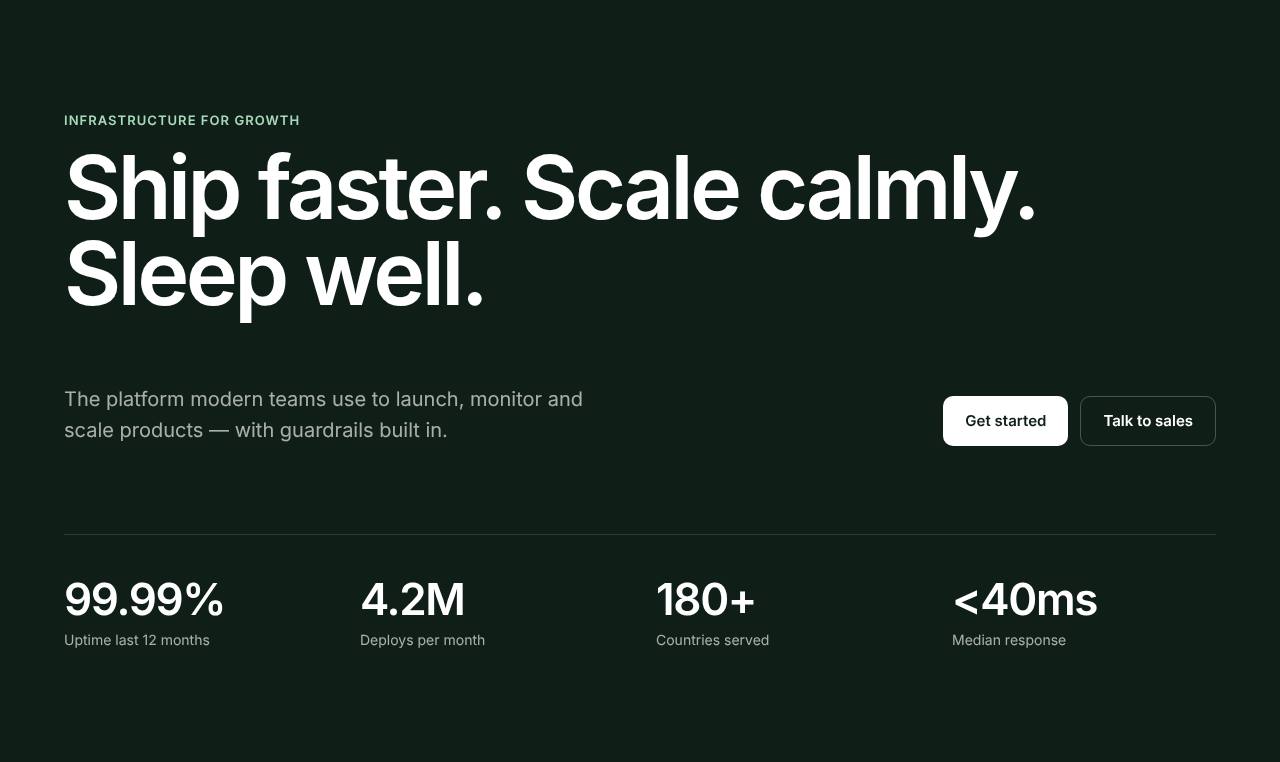
Dark display with stats
Hero · dark · H1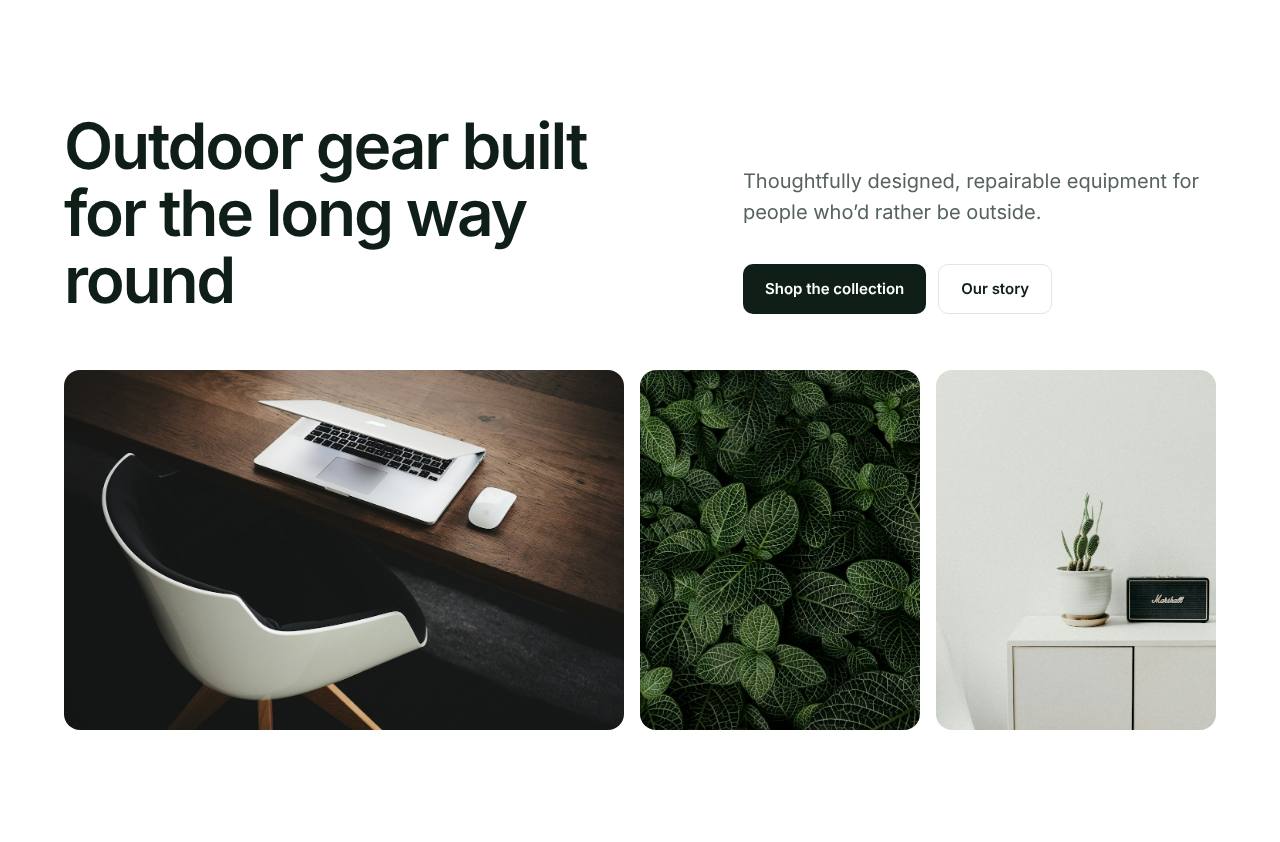
Editorial with bento media
Hero · H1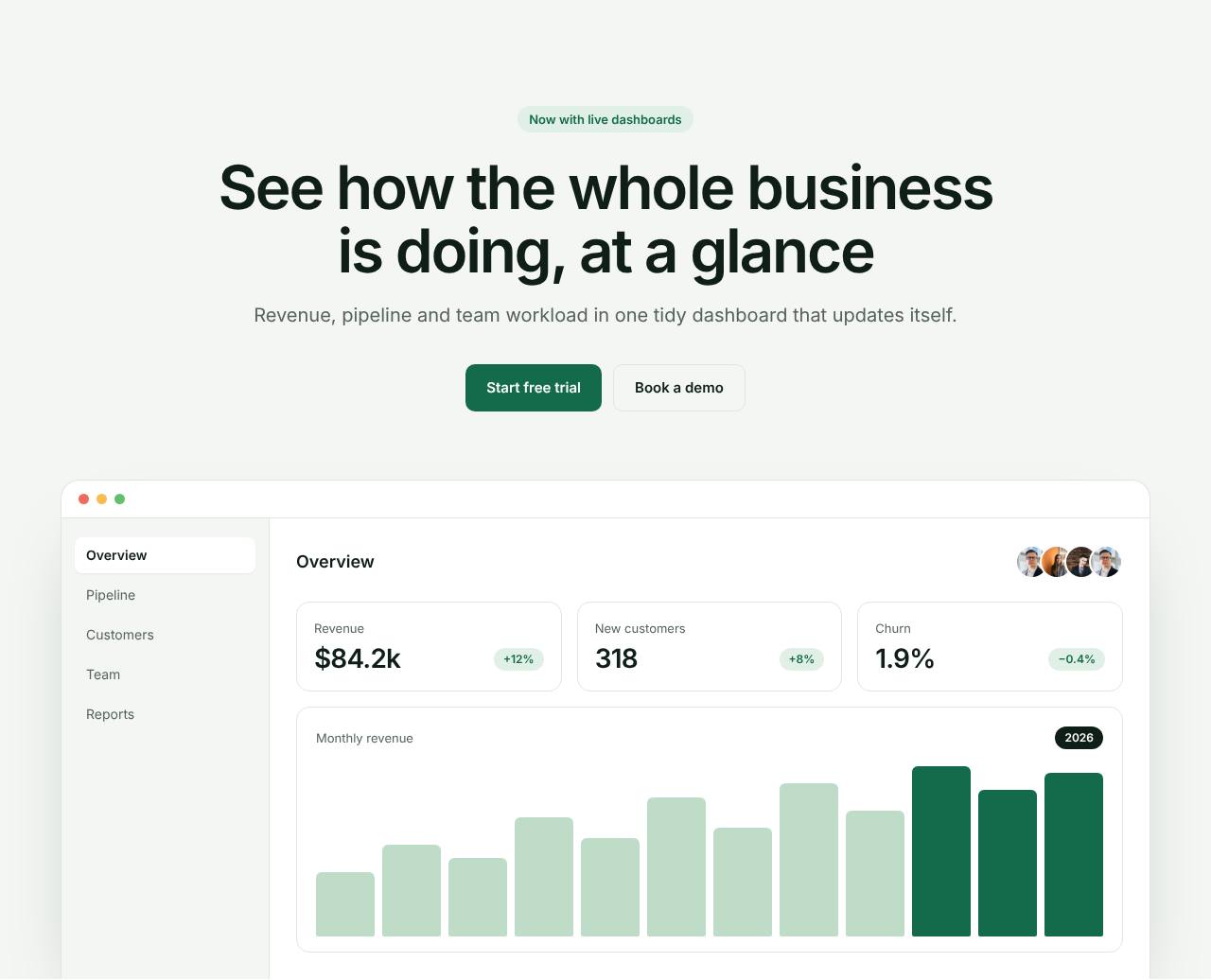
Product window
Hero · H1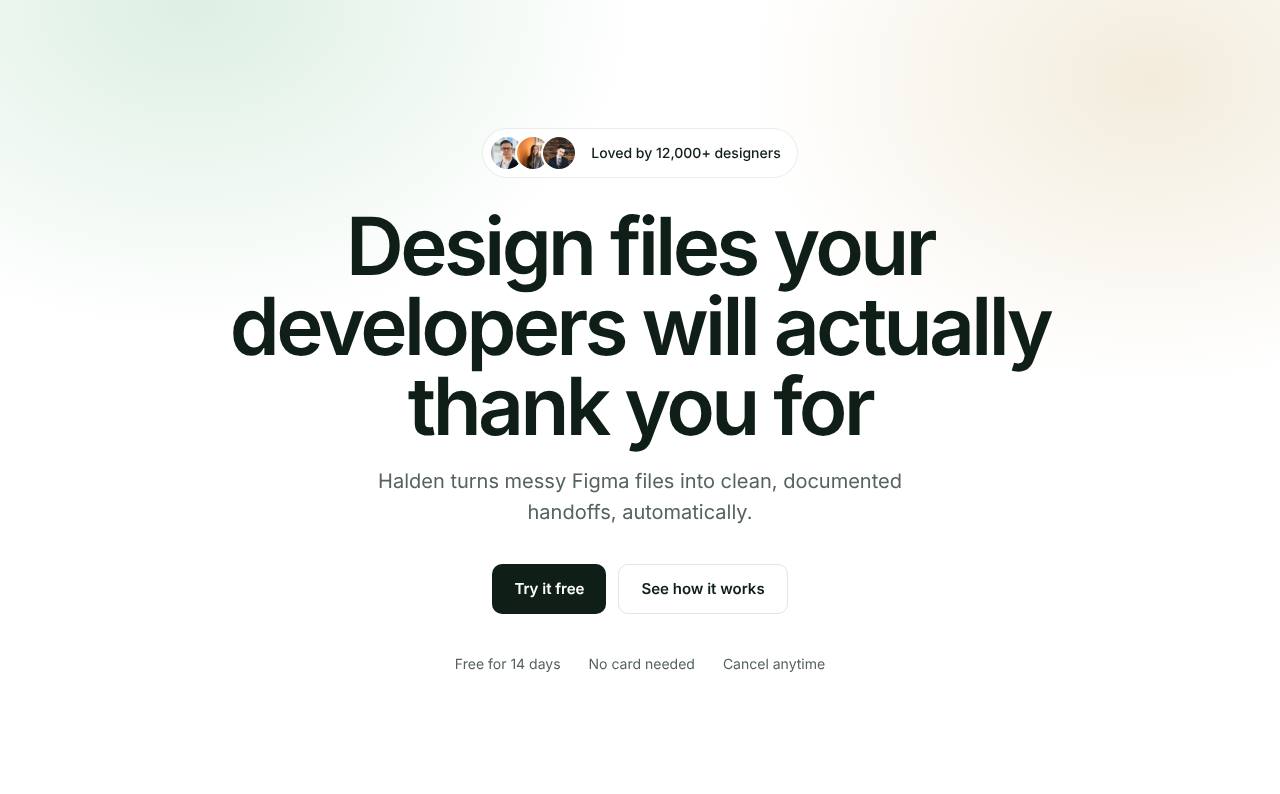
Soft glow with social proof
Hero · H1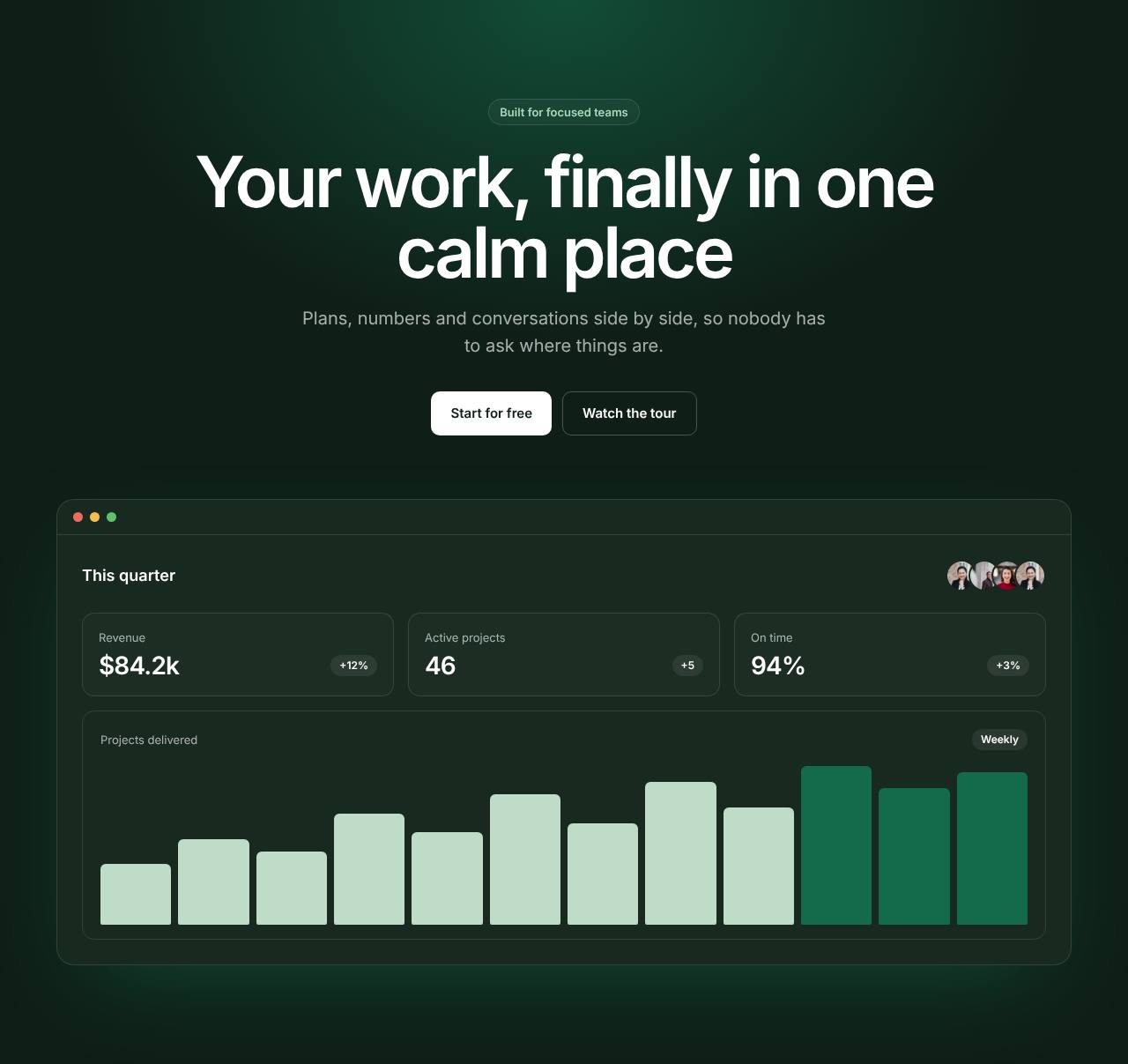
Dark glow with product
Hero · dark · H1
Dark showreel
Hero · dark · H1
App download
Hero · H1What makes a good hero section
- One clear headline that says what the product does, not a slogan.
- A single primary button, with a quieter secondary action beside it.
- Real product imagery or a screenshot instead of a stock illustration.
- A layout that still reads on a phone: the headline stays above the fold and the image drops below it.
How to use these hero sections
Webflow
- Open the hero section in the library and choose Copy for Webflow.
- Paste it into the Webflow Designer with ⌘/Ctrl + V. It lands as native elements and classes.
Framer
- Choose Copy for Framer.
- In Framer, open Assets → Code, create a new component and paste.
Figma
- Choose Copy for Figma.
- Paste on the canvas. Text and shapes stay editable.
HTML and CSS
- Choose Copy for code.
- Paste the HTML, CSS and the small animation script into any project.
Questions
Which hero layout converts best?
There is no single winner. A centred hero with a product image is the safest default for software; a split layout works better when the image needs to be large; a waitlist hero is for products that have not launched yet. Start with the one that matches what you can show.
Can I change the headline size and colours after pasting?
Yes. In Webflow and Framer every text and colour is editable, and in Figma the section arrives as normal layers you can restyle.
Are these sections free?
Some are. A free Ariva account copies every free section; Pro unlocks the rest for $9 a month or $59 a year, and Lifetime is a one-time $79.
Which tools do they work with?
Every section copies into Webflow (native elements), Framer (code component), Figma (editable layers) or plain HTML and CSS.
Can I use them on client sites?
Yes. You can use the sections in websites you build for yourself and for clients. See the terms for the full licence.
Read next
More section types
Start with the free sections
Make a free account and copy any free section into Webflow, Framer, Figma or code.