Home / Sections / Contact Section Templates
Contact Section Templates for Webflow, Framer and Figma
Contact sections: contact cards, a dark layout with a map, a project inquiry form and an office locations block.
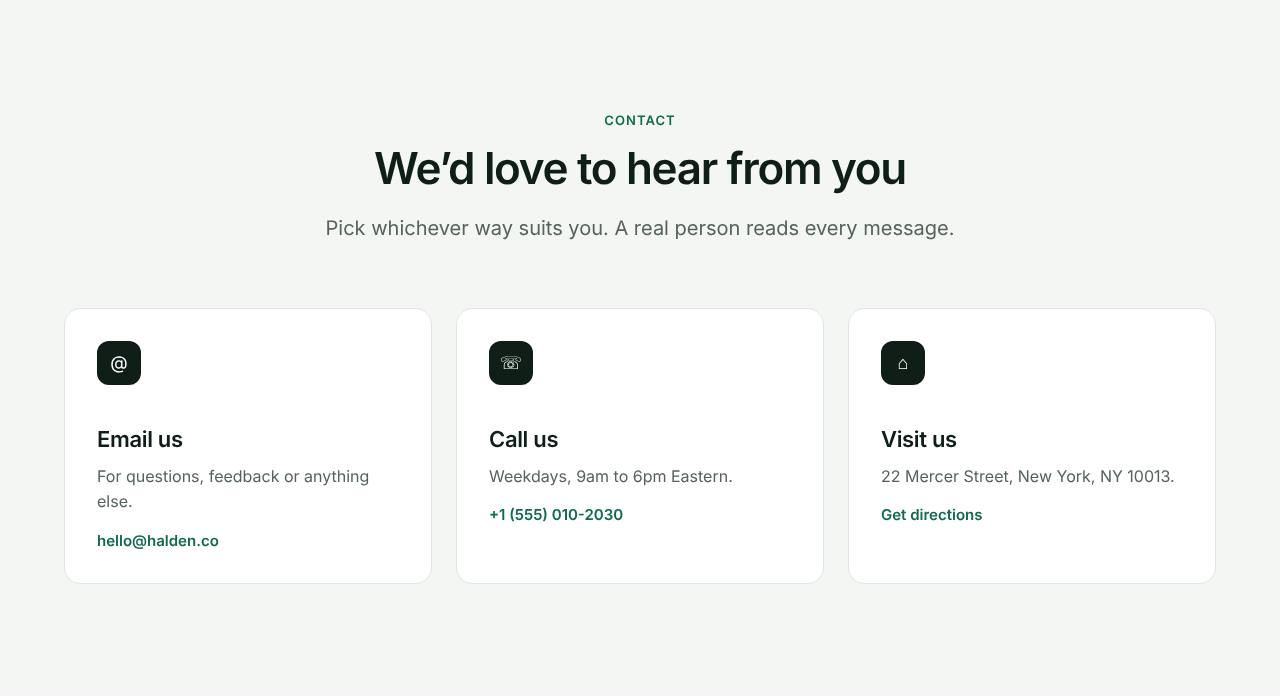
Contact cards
Contact · H2, H3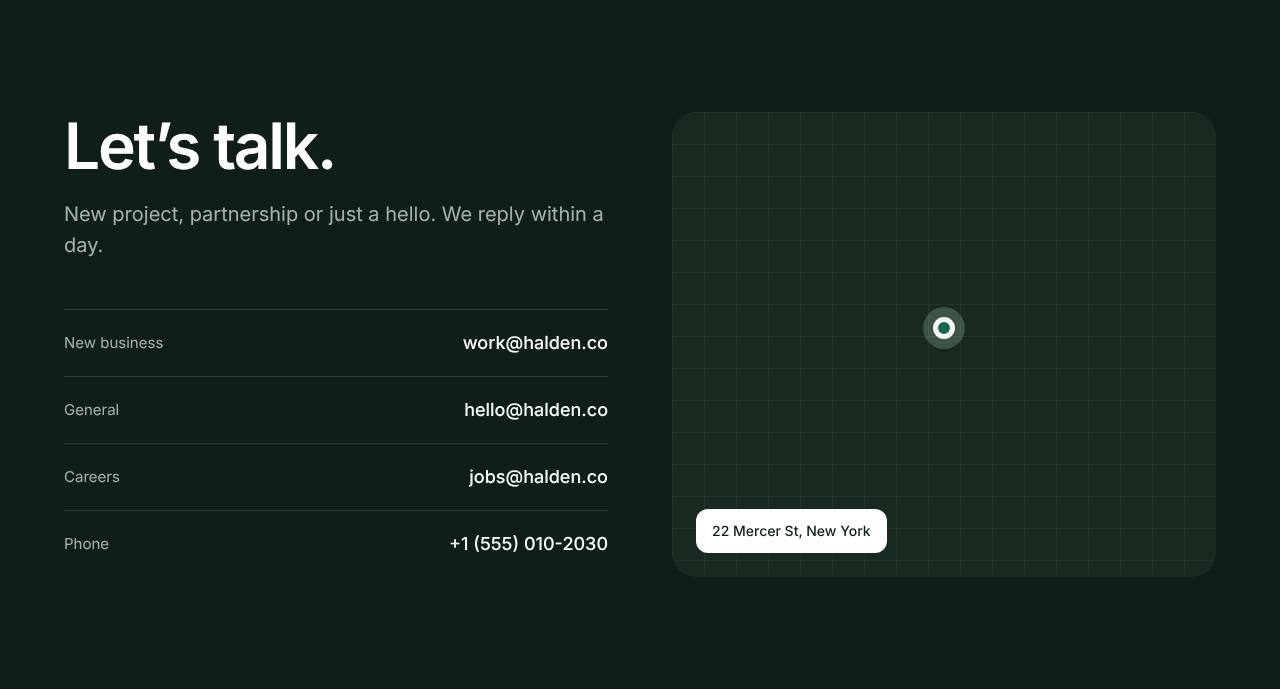
Dark with map
Contact · dark · H2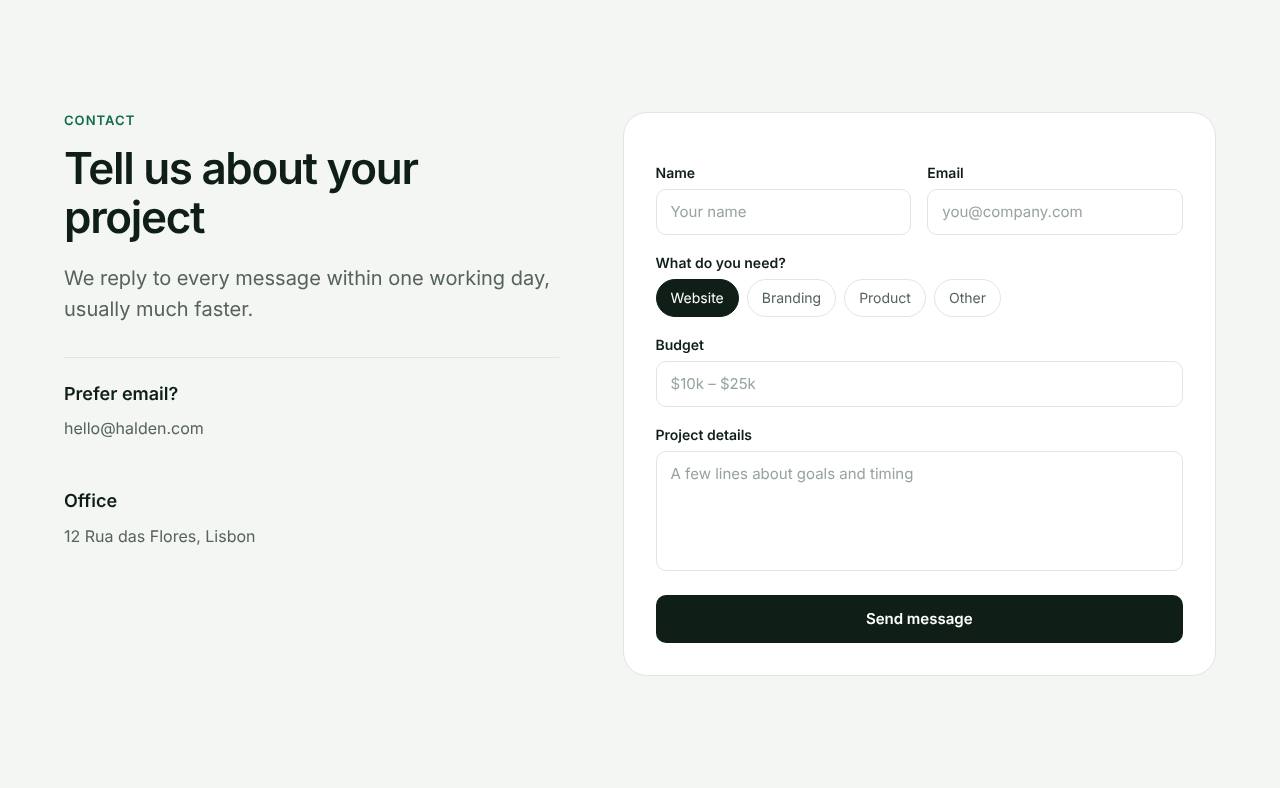
Project inquiry form
Contact · H2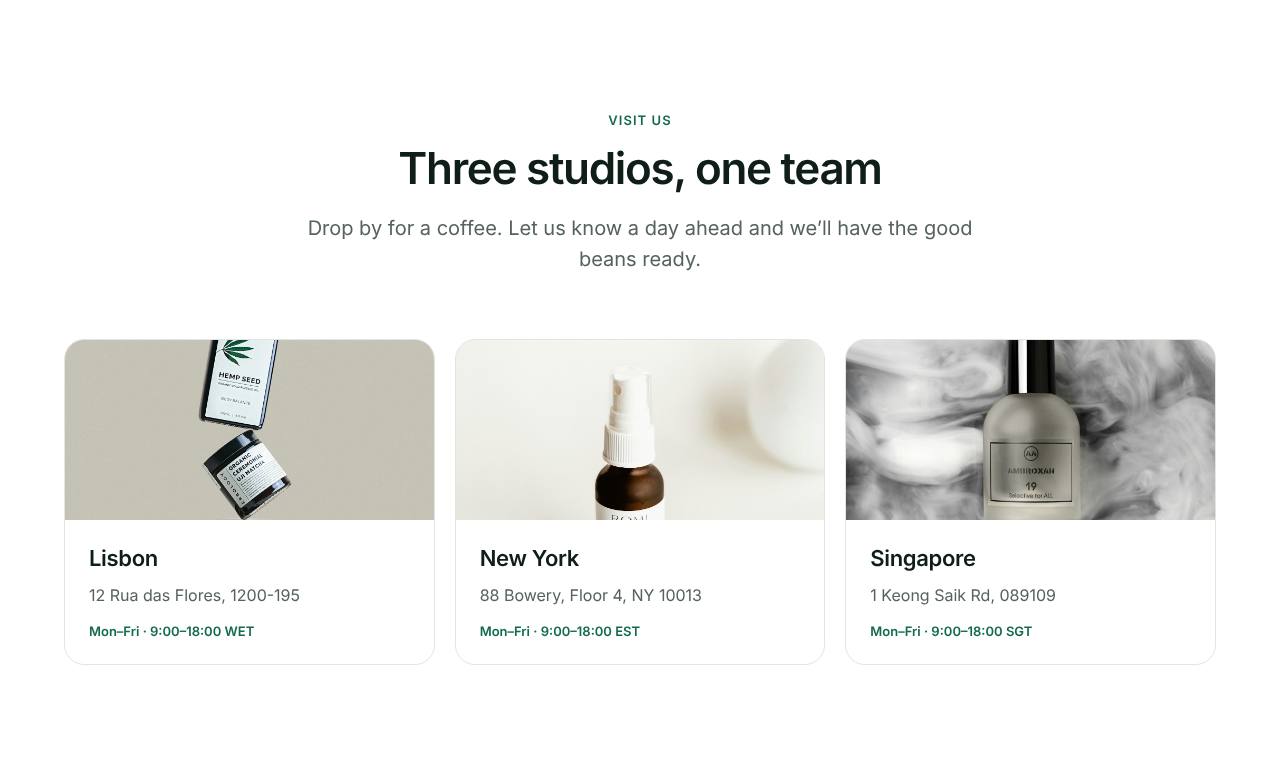
Office locations
Contact · H2, H3What makes a good contact section
- Ask only for what you need to reply (name, email, message); every extra field loses people.
- Say how fast you reply.
- Offer a second way to reach you, such as email or a booking link.
How to use these contact sections
Webflow
- Open the contact section in the library and choose Copy for Webflow.
- Paste it into the Webflow Designer with ⌘/Ctrl + V. It lands as native elements and classes.
Framer
- Choose Copy for Framer.
- In Framer, open Assets → Code, create a new component and paste.
Figma
- Choose Copy for Figma.
- Paste on the canvas. Text and shapes stay editable.
HTML and CSS
- Choose Copy for code.
- Paste the HTML, CSS and the small animation script into any project.
Questions
Does the inquiry form send emails?
It is a layout. In Webflow it works with native forms once pasted; in code, point it to any form service or your own endpoint.
Are these sections free?
Some are. A free Ariva account copies every free section; Pro unlocks the rest for $9 a month or $59 a year, and Lifetime is a one-time $79.
Which tools do they work with?
Every section copies into Webflow (native elements), Framer (code component), Figma (editable layers) or plain HTML and CSS.
Can I use them on client sites?
Yes. You can use the sections in websites you build for yourself and for clients. See the terms for the full licence.
More section types
Hero Section Templates10Navbar Templates6Feature Section Templates10Pricing Section Templates8Testimonial Section Templates7FAQ Section Templates5CTA Section Templates8Footer Templates6Logo Cloud Sections4Stats Section Templates4Team Section Templates4Blog Section Templates5Blog Post Layouts4Case Study Page Sections5Gallery Section Templates3Timeline Section Templates3Announcement Banner Templates3Integrations Section Templates2
Start with the free sections
Make a free account and copy any free section into Webflow, Framer, Figma or code.