Home / Sections / CTA Section Templates
CTA Section Templates for Webflow, Framer and Figma
Call-to-action blocks for the end of a page or between sections: a dark centred box, a split with image, an accent band, a minimal inline line, a card stack, a glow box, a newsletter signup and an app download band.

Dark centered box
CTA · H2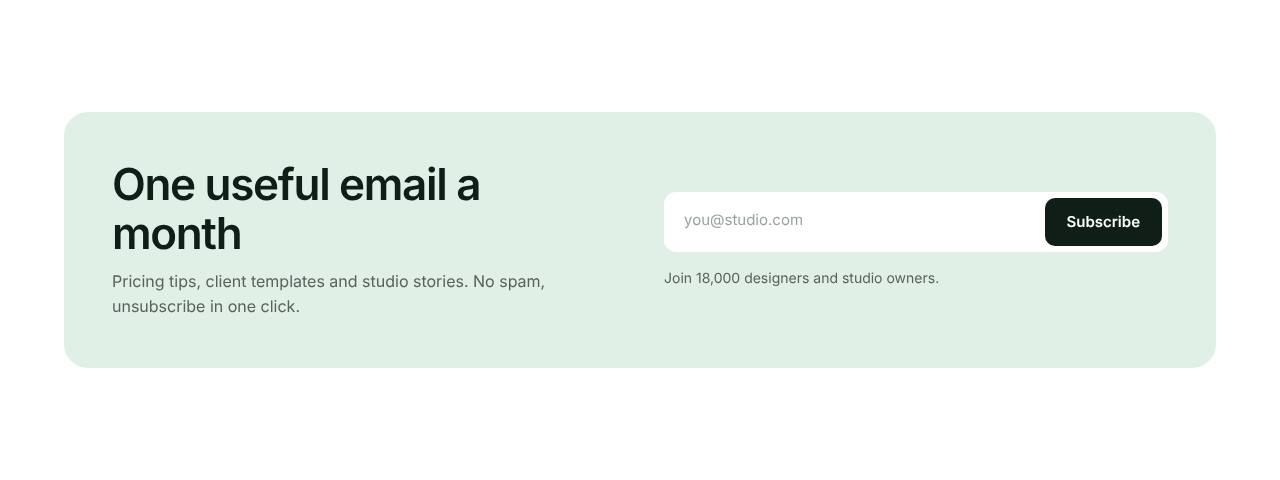
Newsletter signup
CTA · H2
Split with image
CTA · H2
Accent band
CTA · H2
Minimal inline
CTA · H3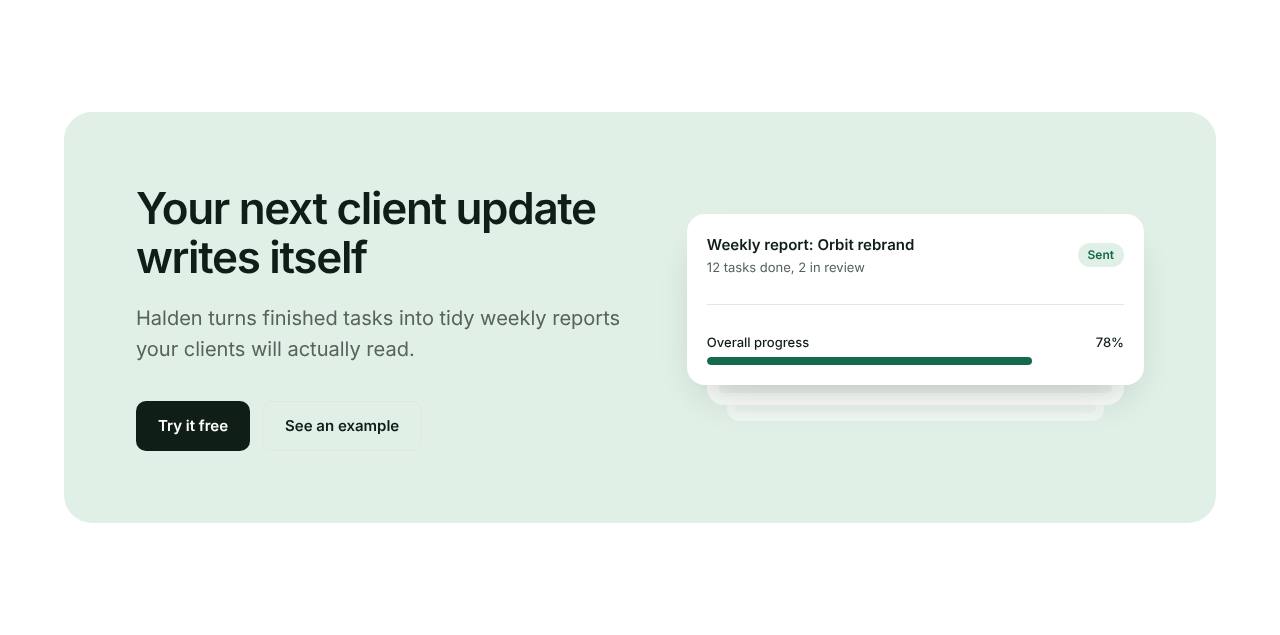
Card stack
CTA · H2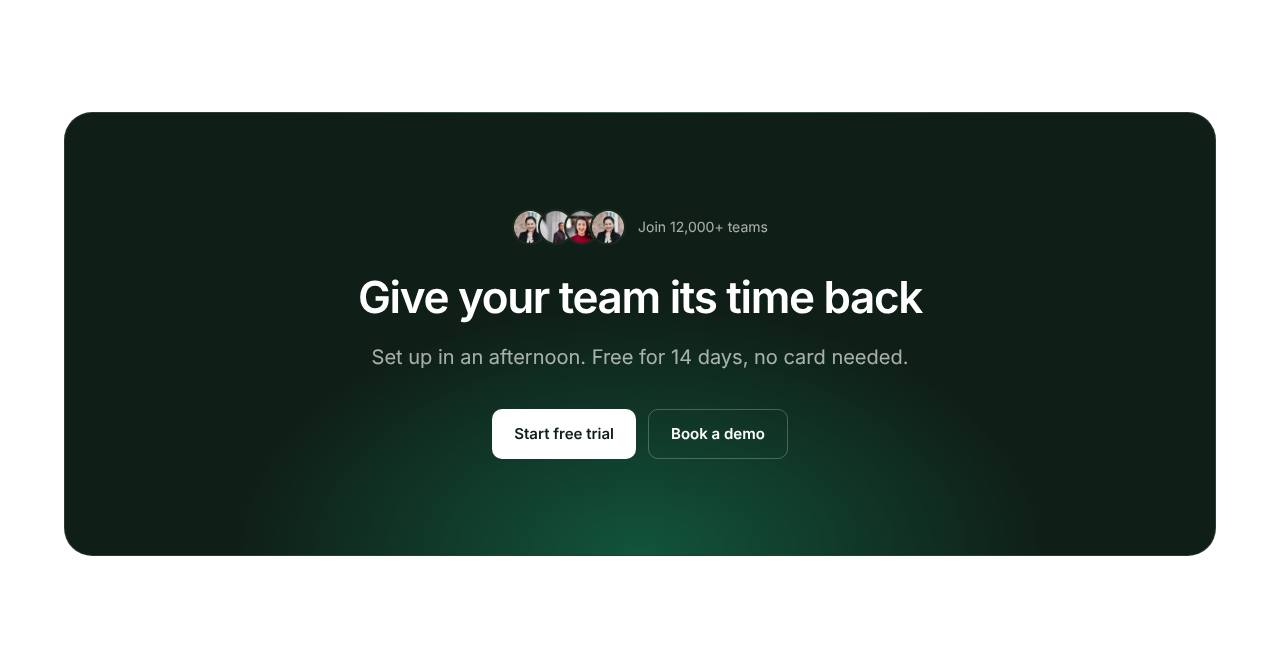
Dark glow box
CTA · dark · H2
Dark app download
CTA · dark · H2What makes a good call-to-action section
- Repeat the main action from the hero; do not introduce a new one.
- Say what happens after the click (free trial, 15-minute call, no card needed).
- Give the block enough contrast to stand apart from the sections around it.
How to use these call-to-action sections
Webflow
- Open the call-to-action section in the library and choose Copy for Webflow.
- Paste it into the Webflow Designer with ⌘/Ctrl + V. It lands as native elements and classes.
Framer
- Choose Copy for Framer.
- In Framer, open Assets → Code, create a new component and paste.
Figma
- Choose Copy for Figma.
- Paste on the canvas. Text and shapes stay editable.
HTML and CSS
- Choose Copy for code.
- Paste the HTML, CSS and the small animation script into any project.
Questions
Is the newsletter form connected to an email tool?
The form is a layout. Connect it to your own tool (Webflow forms, Mailchimp, ConvertKit or any form endpoint) after pasting.
Are these sections free?
Some are. A free Ariva account copies every free section; Pro unlocks the rest for $9 a month or $59 a year, and Lifetime is a one-time $79.
Which tools do they work with?
Every section copies into Webflow (native elements), Framer (code component), Figma (editable layers) or plain HTML and CSS.
Can I use them on client sites?
Yes. You can use the sections in websites you build for yourself and for clients. See the terms for the full licence.
More section types
Start with the free sections
Make a free account and copy any free section into Webflow, Framer, Figma or code.