Home / Sections / FAQ Section Templates
FAQ Section Templates for Webflow, Framer and Figma
FAQ sections that answer objections before a visitor has to email you: a side-heading list, a two-column grid, a centred list with a help box, cards with contact details and a dark version.
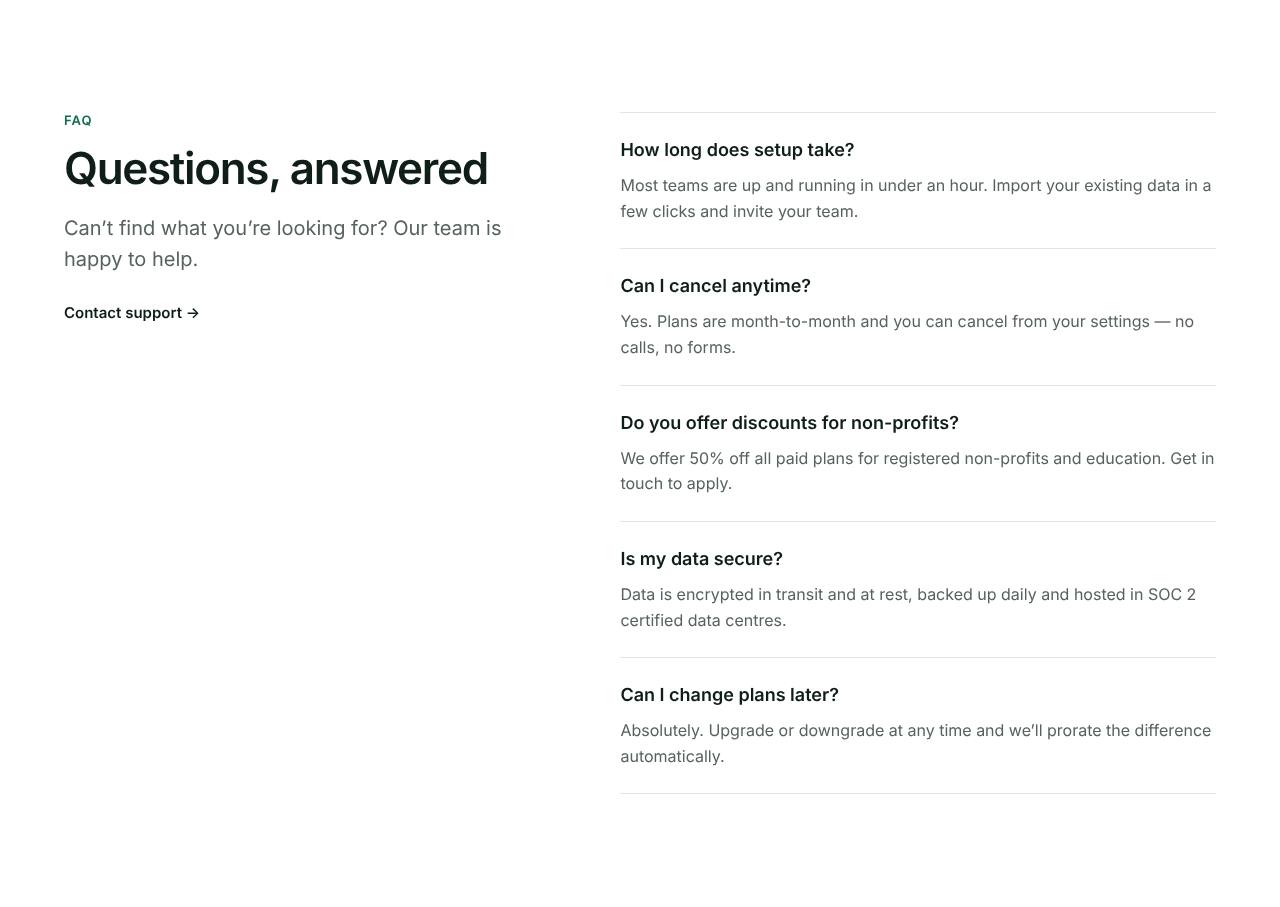
Side heading list
FAQ · H2, H3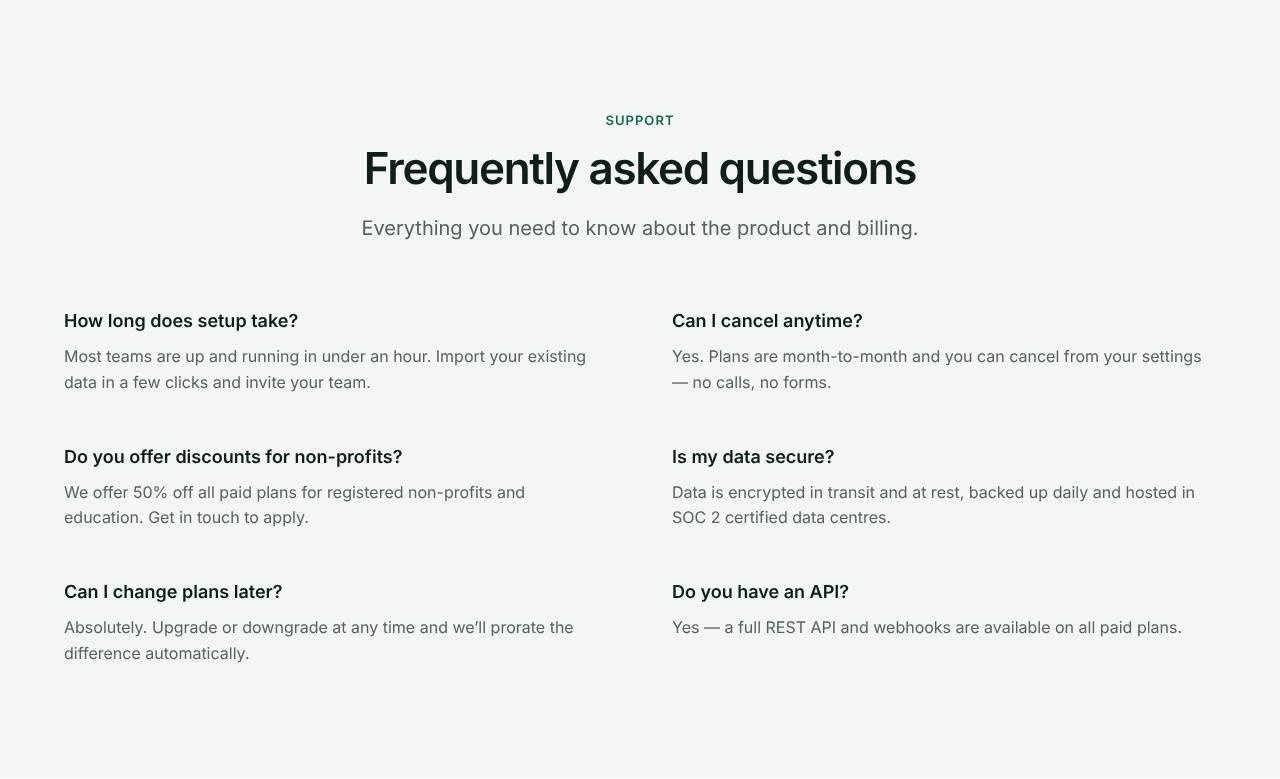
Two-column grid
FAQ · H2, H3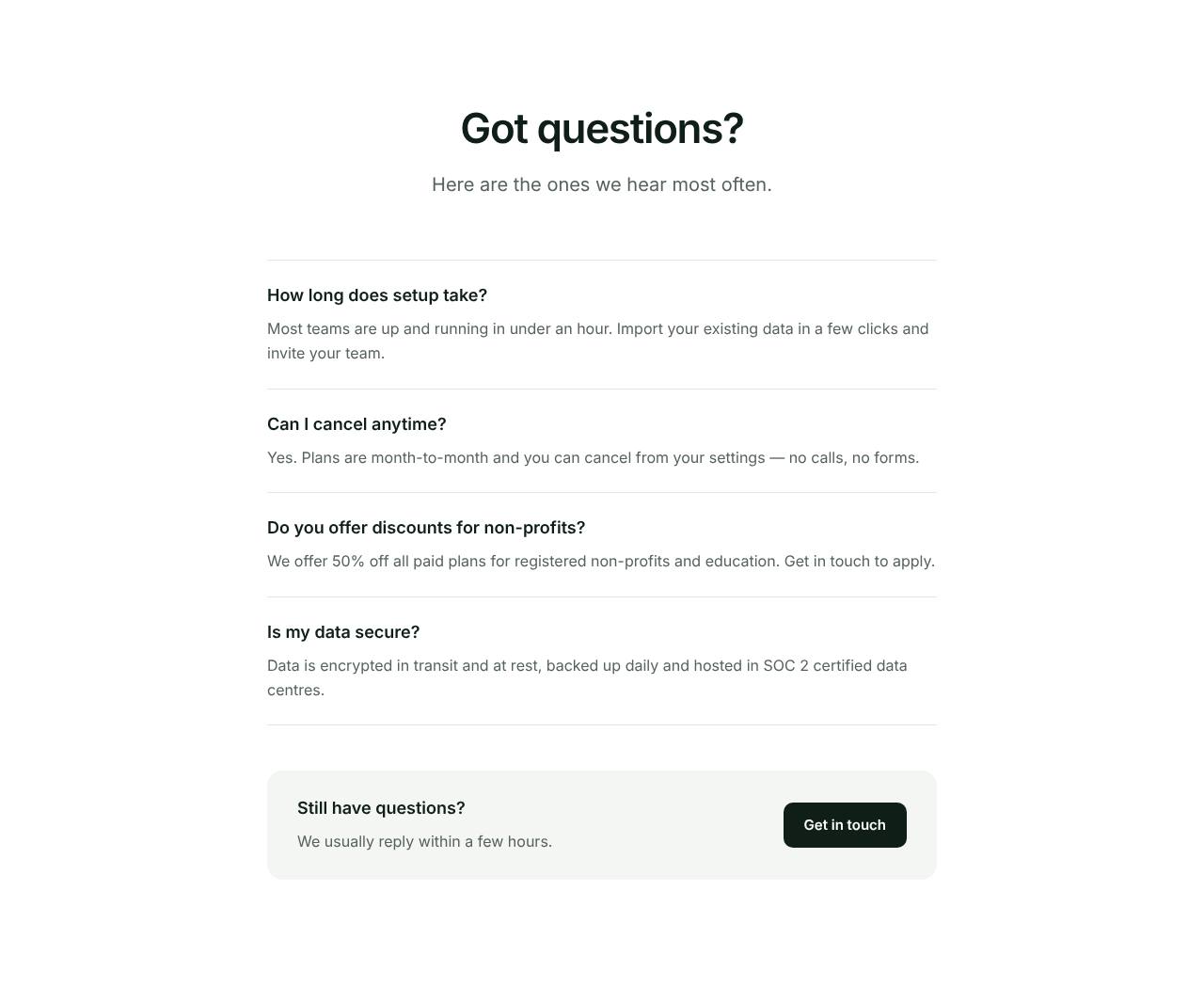
Centered with help box
FAQ · H2, H3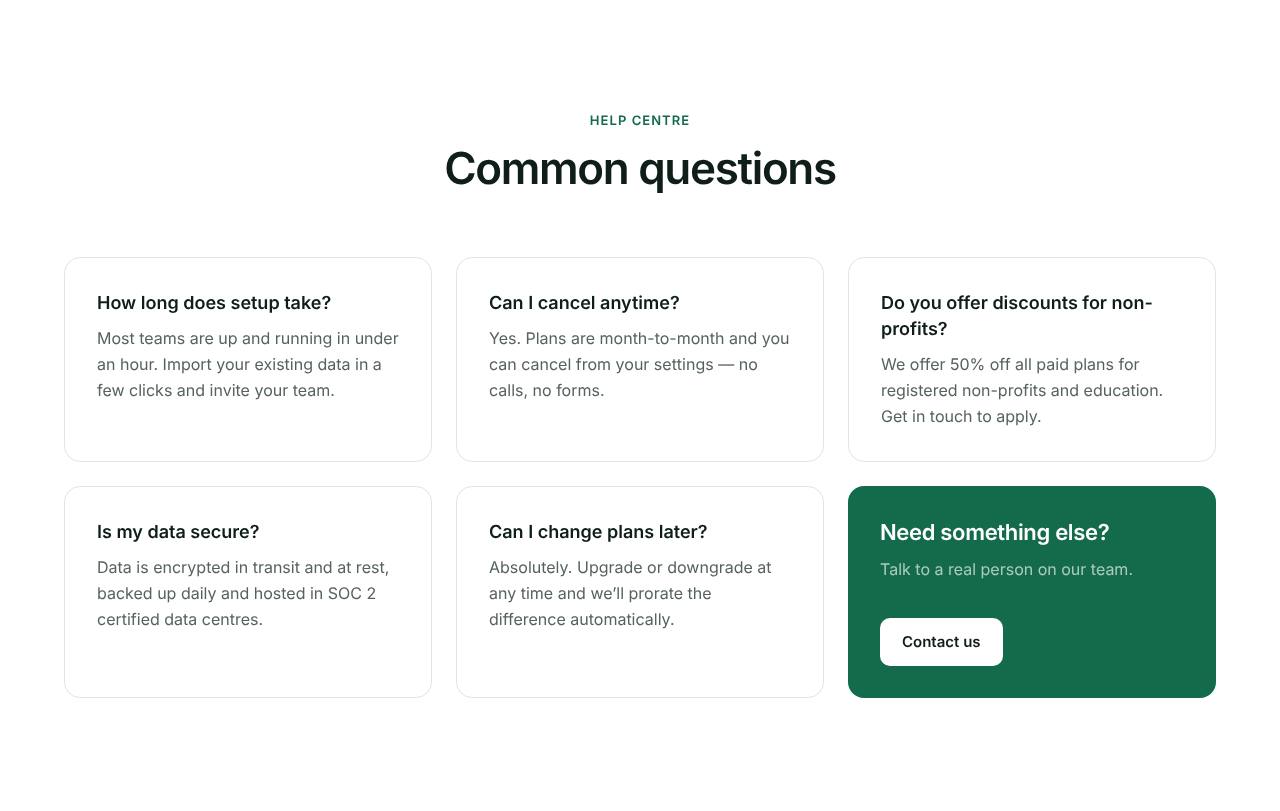
Cards with contact
FAQ · H2, H3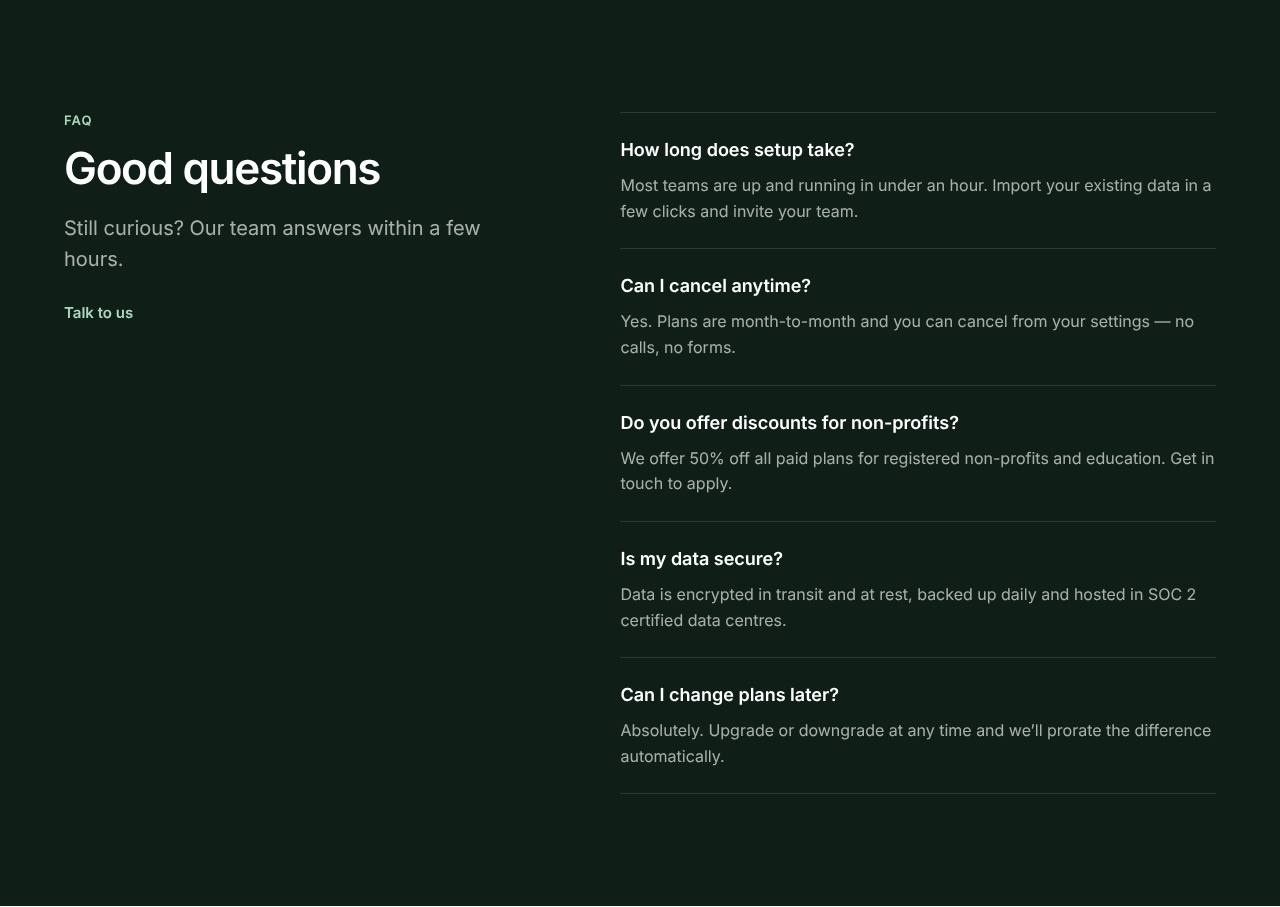
Dark side heading
FAQ · dark · H2, H3What makes a good FAQ section
- Answer the questions people actually ask in sales calls and support tickets.
- Keep each answer to two or three sentences and link out for detail.
- Put pricing, refunds and set-up time near the top.
How to use these FAQ sections
Webflow
- Open the FAQ section in the library and choose Copy for Webflow.
- Paste it into the Webflow Designer with ⌘/Ctrl + V. It lands as native elements and classes.
Framer
- Choose Copy for Framer.
- In Framer, open Assets → Code, create a new component and paste.
Figma
- Choose Copy for Figma.
- Paste on the canvas. Text and shapes stay editable.
HTML and CSS
- Choose Copy for code.
- Paste the HTML, CSS and the small animation script into any project.
Questions
Do the FAQ items open and close?
The list designs work as open text by default, which is also best for search engines. You can turn items into accordions with a Webflow interaction, a Framer variant or a details element in code.
Are these sections free?
Some are. A free Ariva account copies every free section; Pro unlocks the rest for $9 a month or $59 a year, and Lifetime is a one-time $79.
Which tools do they work with?
Every section copies into Webflow (native elements), Framer (code component), Figma (editable layers) or plain HTML and CSS.
Can I use them on client sites?
Yes. You can use the sections in websites you build for yourself and for clients. See the terms for the full licence.
Read next
More section types
Start with the free sections
Make a free account and copy any free section into Webflow, Framer, Figma or code.