Home / Sections / Pricing Section Templates
Pricing Section Templates for Webflow, Framer and Figma
Pricing tables for SaaS and service sites: three tiers, two plans, a single plan, a full comparison table, a spotlight plan, a usage slider and an enterprise contact block, in light and dark versions.
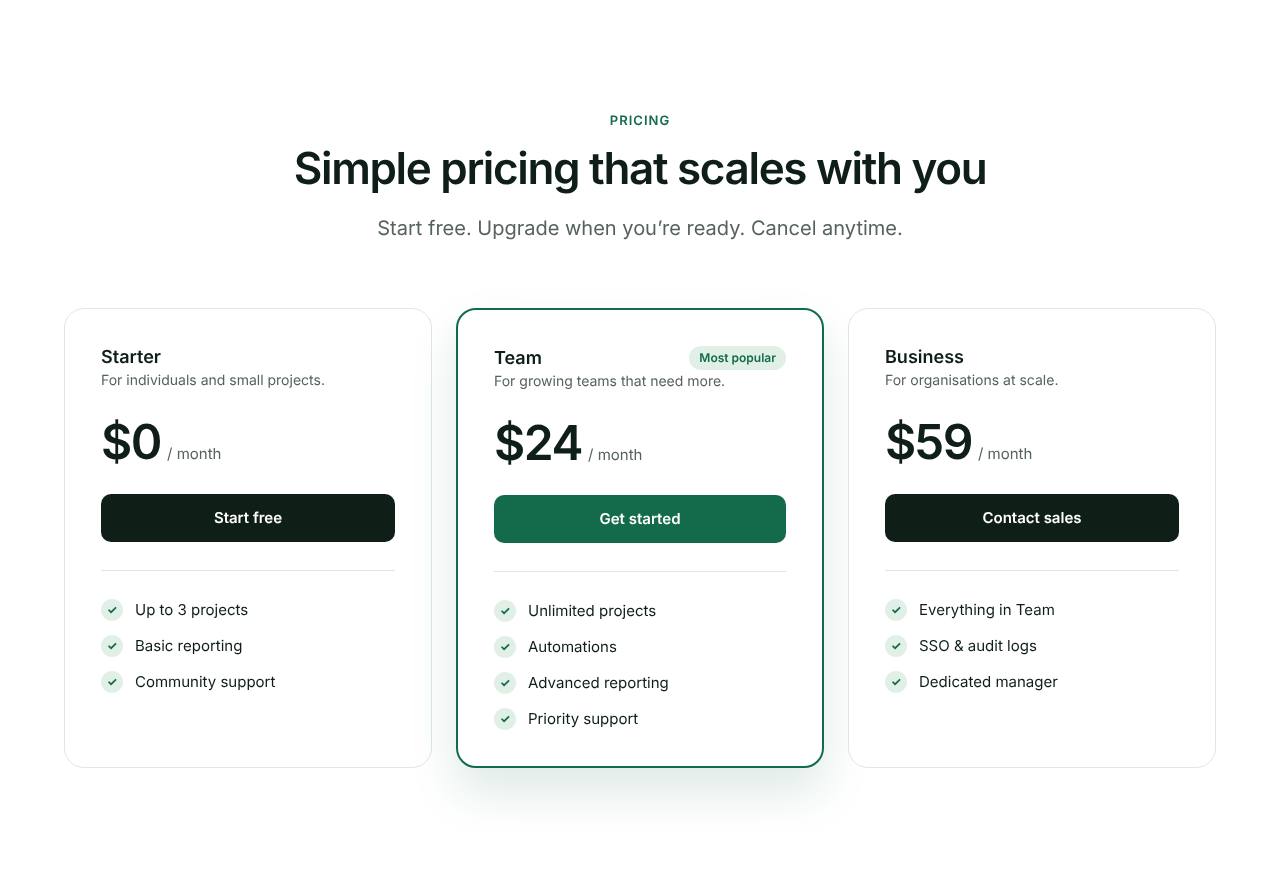
Three tiers
Pricing · H2, H3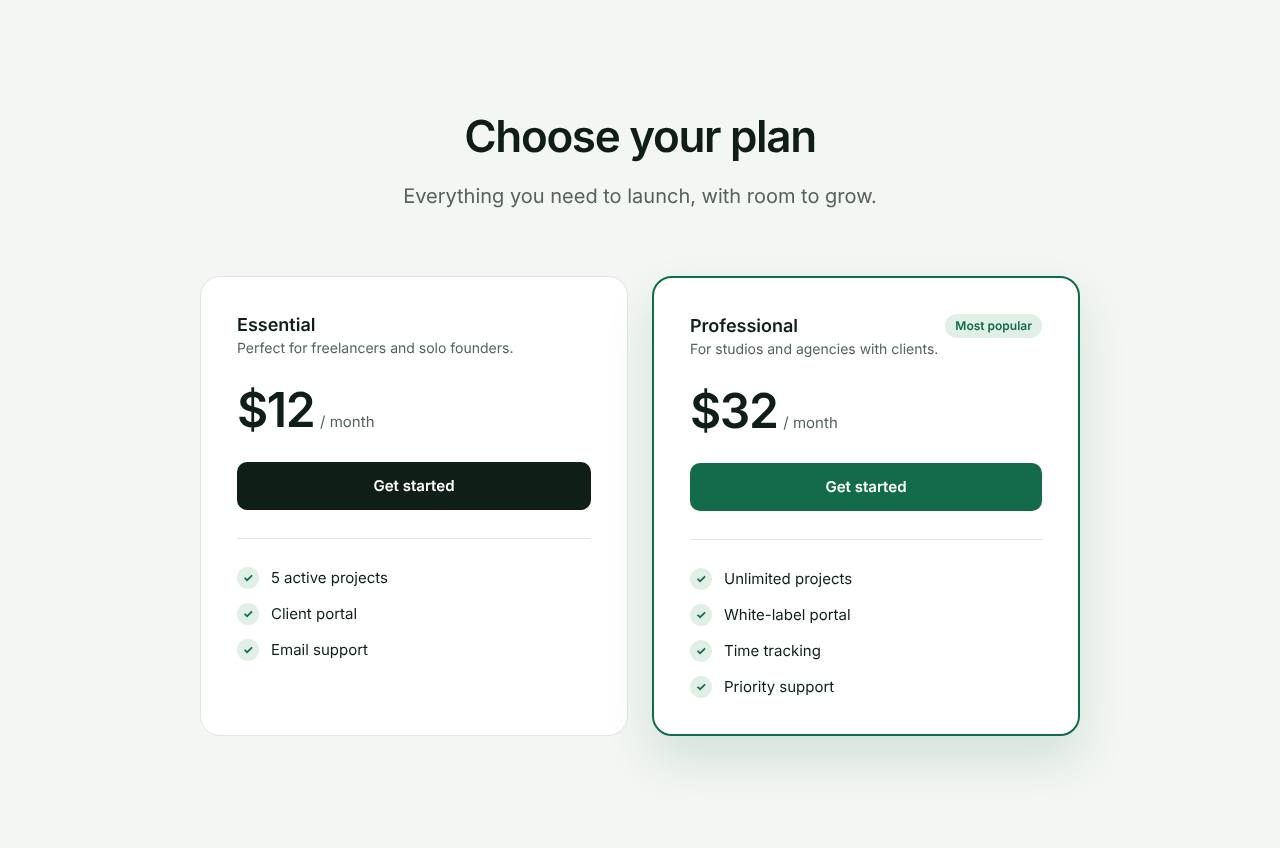
Two plans
Pricing · H2, H3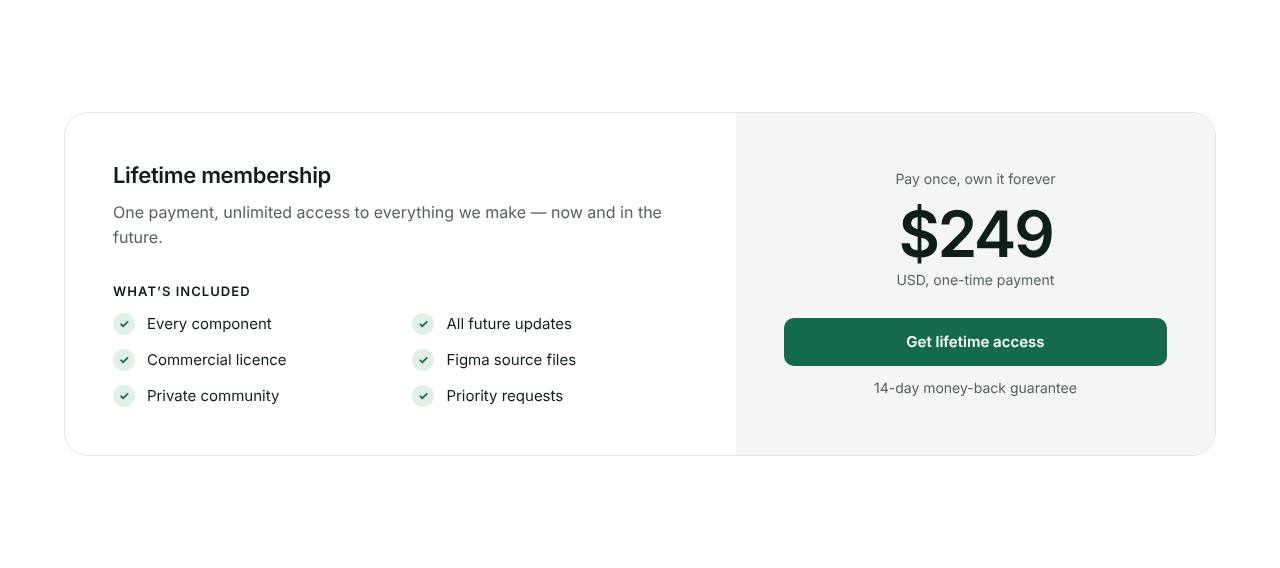
Single plan
Pricing · H3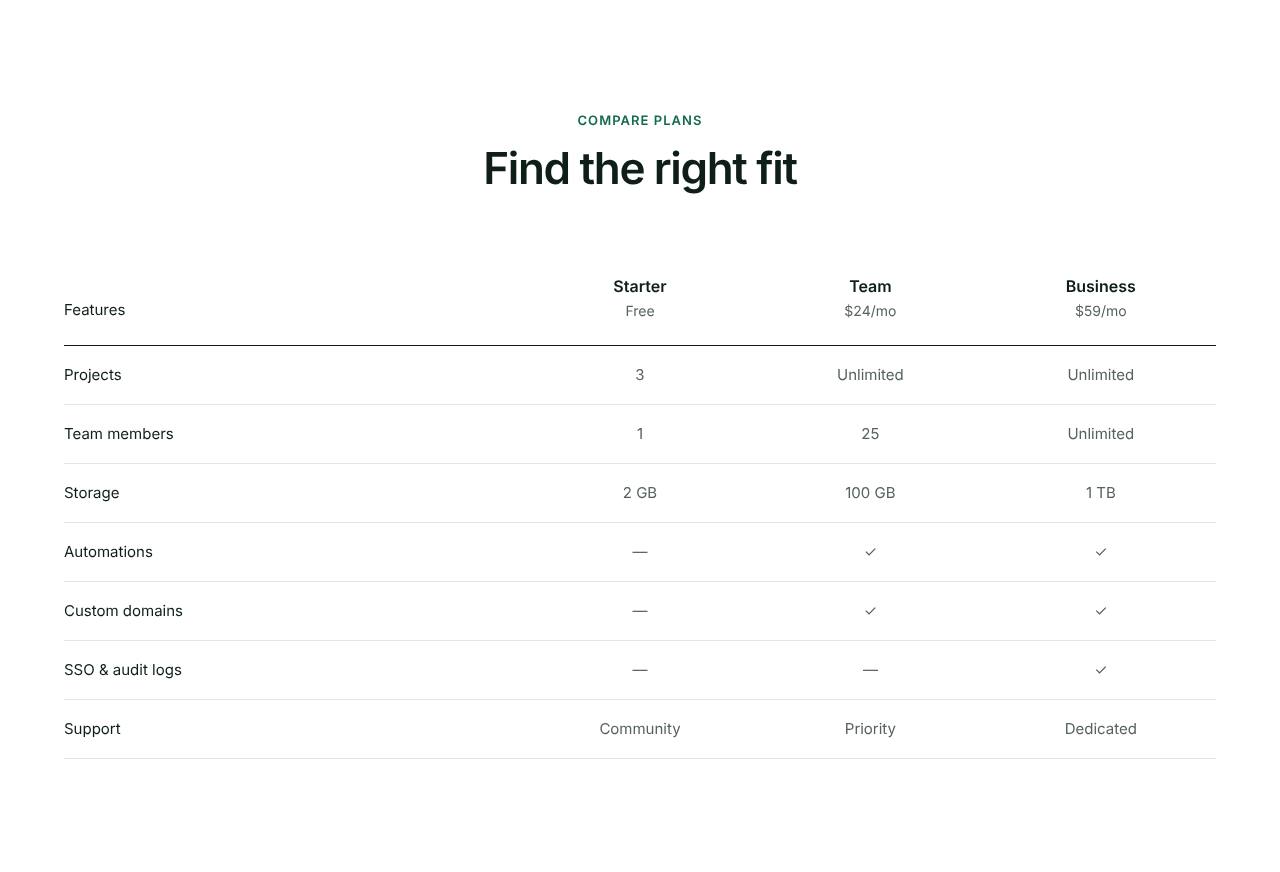
Comparison table
Pricing · H2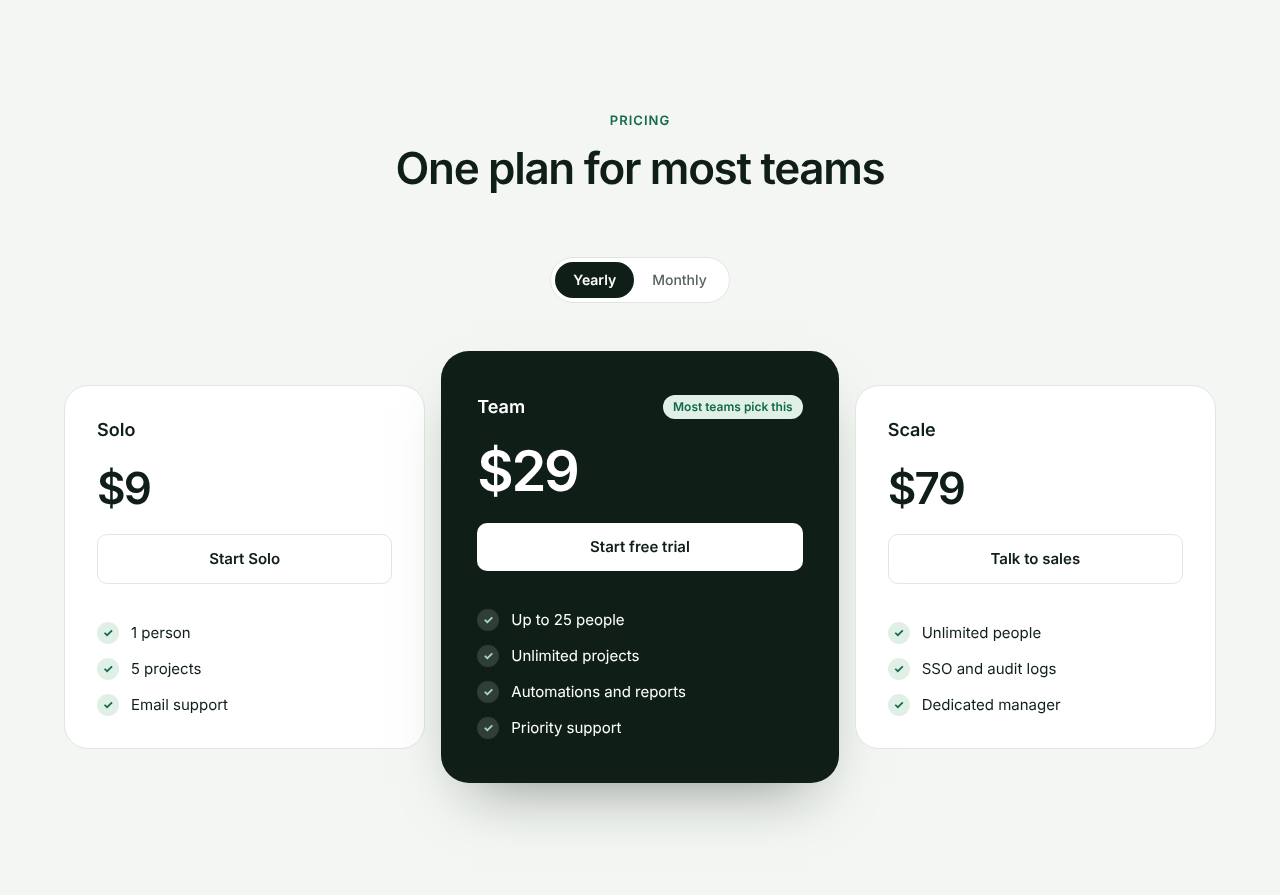
Spotlight plan
Pricing · H2, H3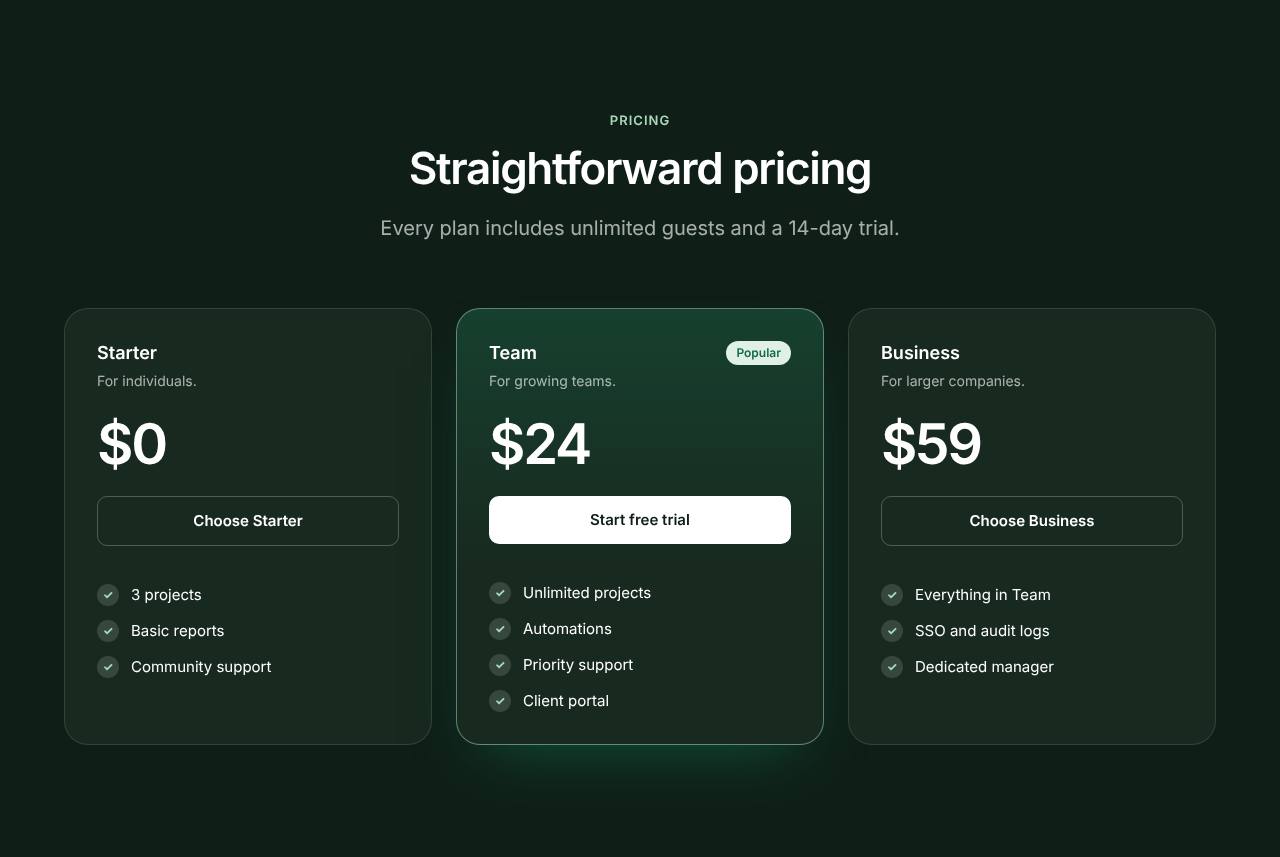
Dark tiers
Pricing · dark · H2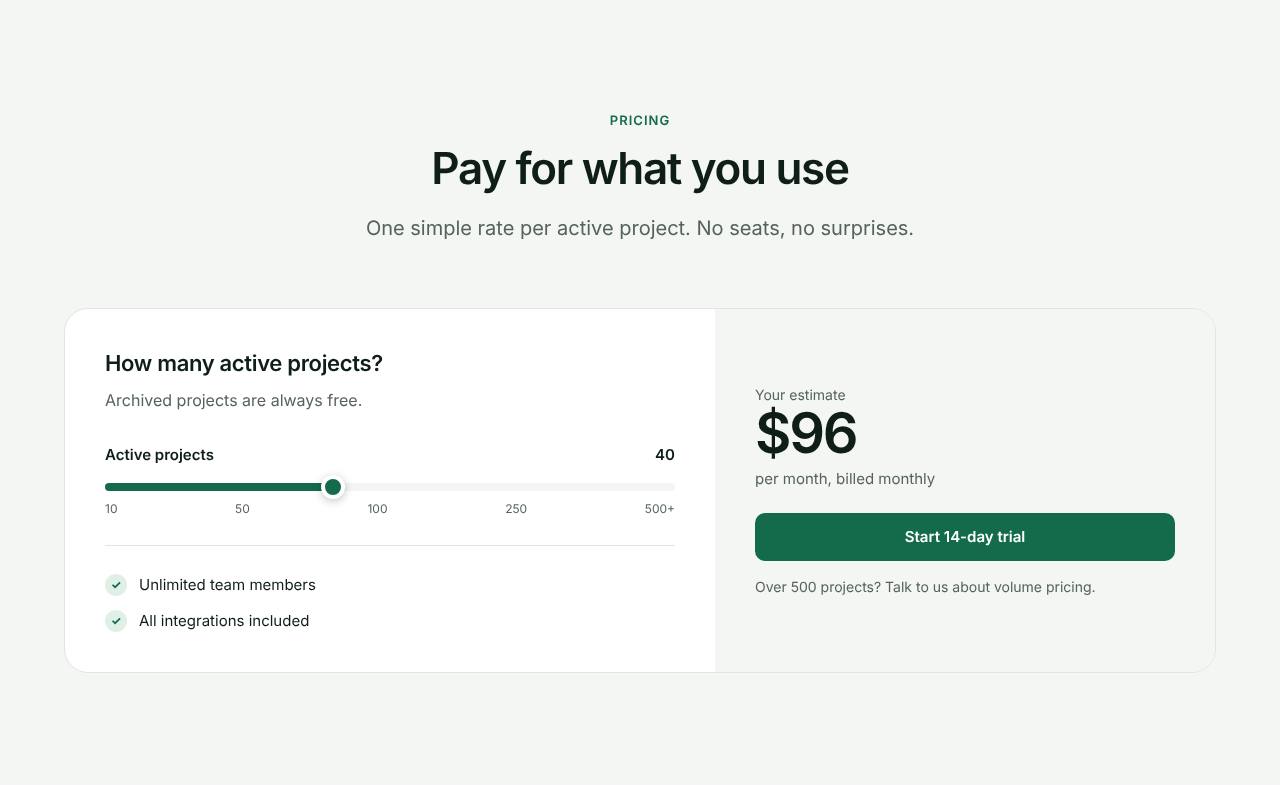
Usage slider
Pricing · H2, H3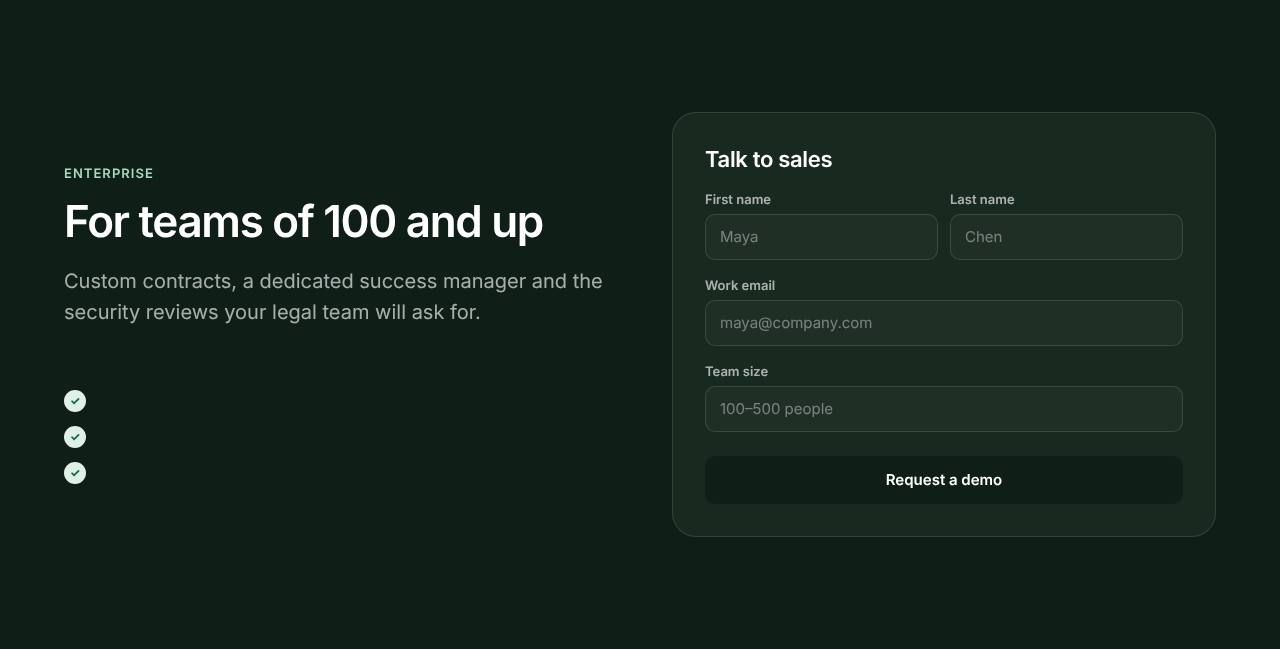
Dark enterprise contact
Pricing · dark · H2, H3What makes a good pricing section
- Highlight one plan as the recommended choice so visitors do not have to decide alone.
- List what each tier adds, not every feature again.
- Show the monthly and yearly price clearly, and say what happens after a trial.
- Answer the obvious billing questions (cancel anytime, refunds) right under the table.
How to use these pricing sections
Webflow
- Open the pricing section in the library and choose Copy for Webflow.
- Paste it into the Webflow Designer with ⌘/Ctrl + V. It lands as native elements and classes.
Framer
- Choose Copy for Framer.
- In Framer, open Assets → Code, create a new component and paste.
Figma
- Choose Copy for Figma.
- Paste on the canvas. Text and shapes stay editable.
HTML and CSS
- Choose Copy for code.
- Paste the HTML, CSS and the small animation script into any project.
Questions
Do the pricing tables include a working monthly and yearly toggle?
Not as a working switch yet. The Spotlight plan design has a styled Monthly and Yearly switch, but it is visual only. To make one work, add a second price text to each card and switch between them with a Webflow interaction, a Framer variant or a few lines of JavaScript.
Can I add more tiers?
Yes. The tiers are separate cards in a grid, so duplicating one adds a tier and the grid wraps on smaller screens.
Are these sections free?
Some are. A free Ariva account copies every free section; Pro unlocks the rest for $9 a month or $59 a year, and Lifetime is a one-time $79.
Which tools do they work with?
Every section copies into Webflow (native elements), Framer (code component), Figma (editable layers) or plain HTML and CSS.
Can I use them on client sites?
Yes. You can use the sections in websites you build for yourself and for clients. See the terms for the full licence.
Read next
More section types
Start with the free sections
Make a free account and copy any free section into Webflow, Framer, Figma or code.