Home / Guides / How to build and organise a component library for client work
How to build and organise a component library for client work
If you build several websites a year, you rebuild the same sections again and again: navbars, heroes, pricing, FAQs, footers. A small library of reusable sections saves the most time, but only if you can find things and the styles do not clash. This is a practical way to set one up.
What to save
Save the sections you rebuild most: navigation, hero, features, pricing, testimonials, FAQ, call to action and footer. Save two or three versions of each, so you can pick one that fits the client instead of reshaping one design every time. Leave one-off pages out; they do not repeat.
Naming
Use a name that says what it is and what makes it different: “Hero, split text and image”, “Pricing, three tiers”. Number the variants. A good name means you find the section in seconds instead of scrolling through a project to remember where you used it.
Keeping styles consistent
- Put colours, fonts and spacing in variables, so restyling for a client means changing a few values, not every element.
- Give each section its own class prefix so pasting one into a project does not change another.
- Keep a base style guide page in every project with the same names, so a pasted section picks up the right look.
- Check every section at desktop, tablet and phone width before you add it to the library.
Organising it
Group by section type, not by client. A folder called “Pricing” with five variants is useful on every project; a folder called “Client X” is not. Keep notes on each section: what it is for, which fonts it expects, and the date you last checked it.
Where a ready-made library helps
Building every section yourself takes time you could bill for. A ready-made library covers the standard sections so you only build the parts that make a client’s site different. Ariva has 107 website sections in 21 categories that copy into Webflow, Framer, Figma or plain HTML and CSS, and 20 of them are free with an account. Treat them as a starting point: restyle them, rename the classes and add them to your own library.
Common questions
What is a website component library?
A collection of reusable page sections, such as navbars, heroes, pricing tables and footers, that you copy into new projects instead of building from scratch each time.
Should I build my own library or use a ready-made one?
Build your own for the sections that carry your studio’s style. Use a ready-made library for the common sections, and restyle them to match the client. Most studios end up with a mix of both.
How do I stop styles from clashing when I paste sections into a project?
Give each section its own class prefix, keep colours and fonts in variables, and paste into a clean section of the page first to check before moving it into place.
Sections to try this with

Classic bar
Navigation
Split text and image
Hero · H1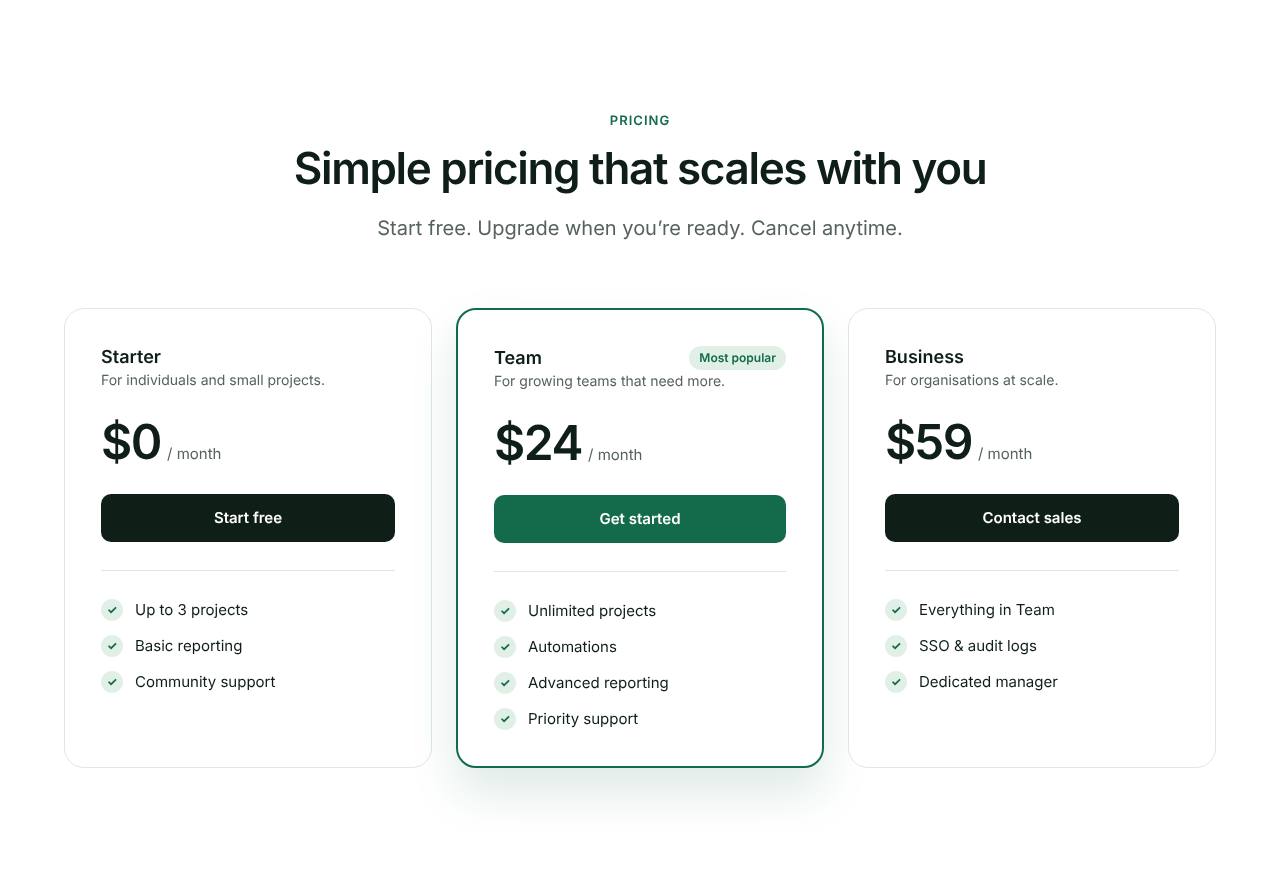
Three tiers
Pricing · H2, H3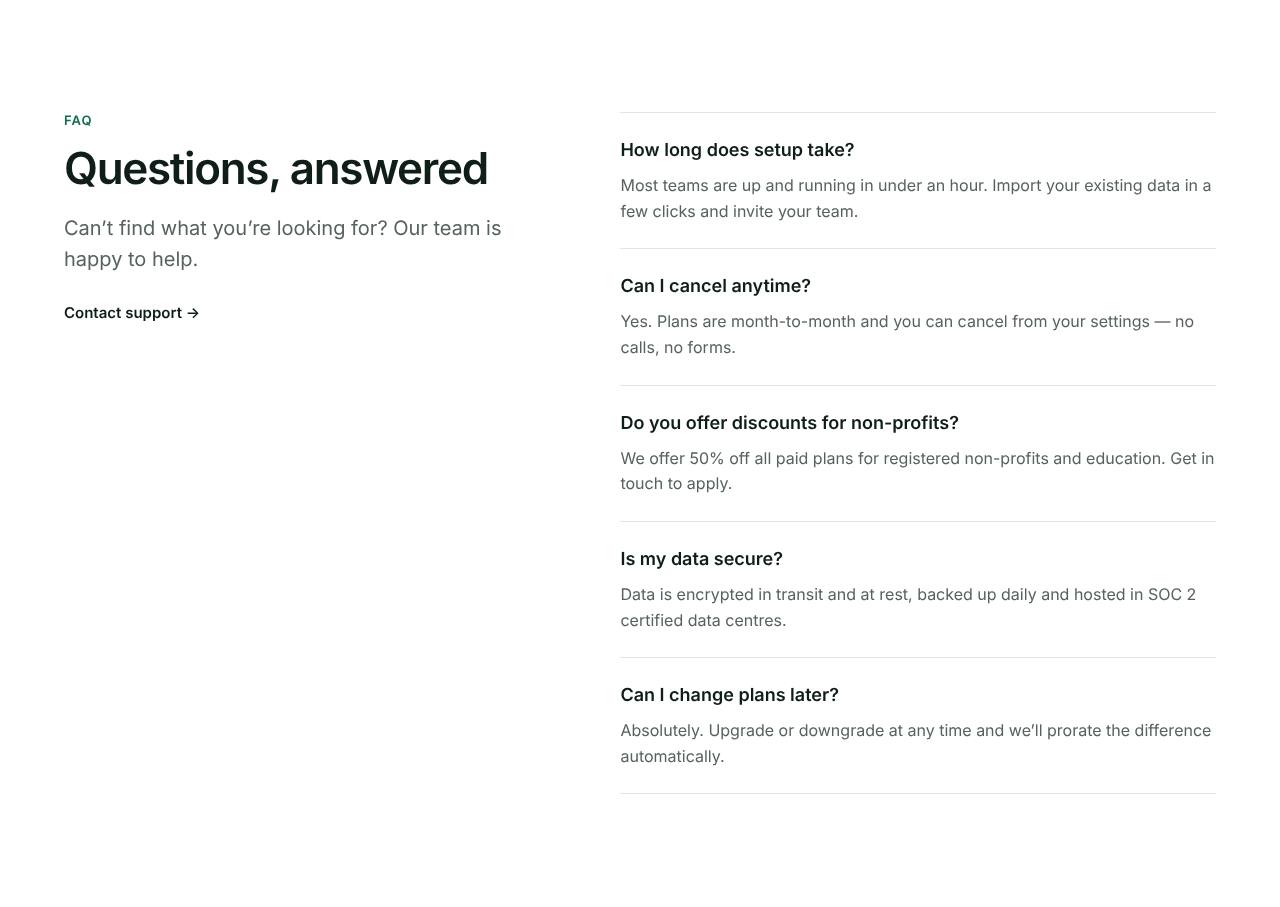
Side heading list
FAQ · H2, H3More guides
Start with the free sections
Make a free account and copy any free section into Webflow, Framer, Figma or code.